The assistant in your dashboard
The assistant icon is in the corner of your dashboard. It answers from this guide only.
In this article (3)
1Ask the assistant
Press the assistant icon at the bottom of the dashboard, and type your question or choose a suggestion like “What's next?”.
Picture from a demo dashboard
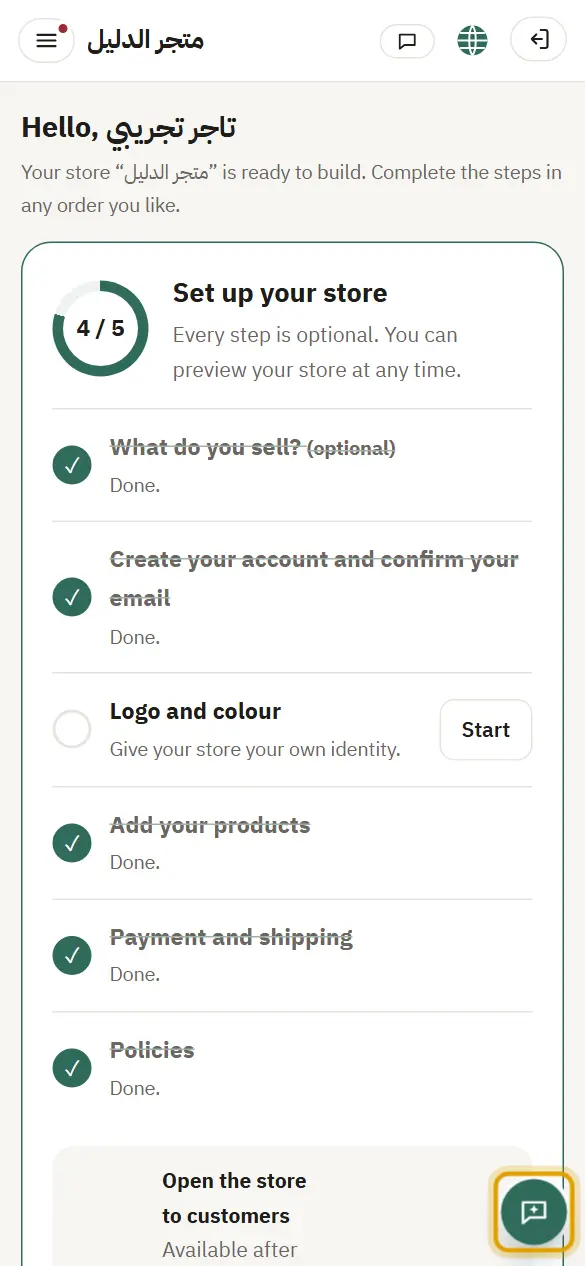
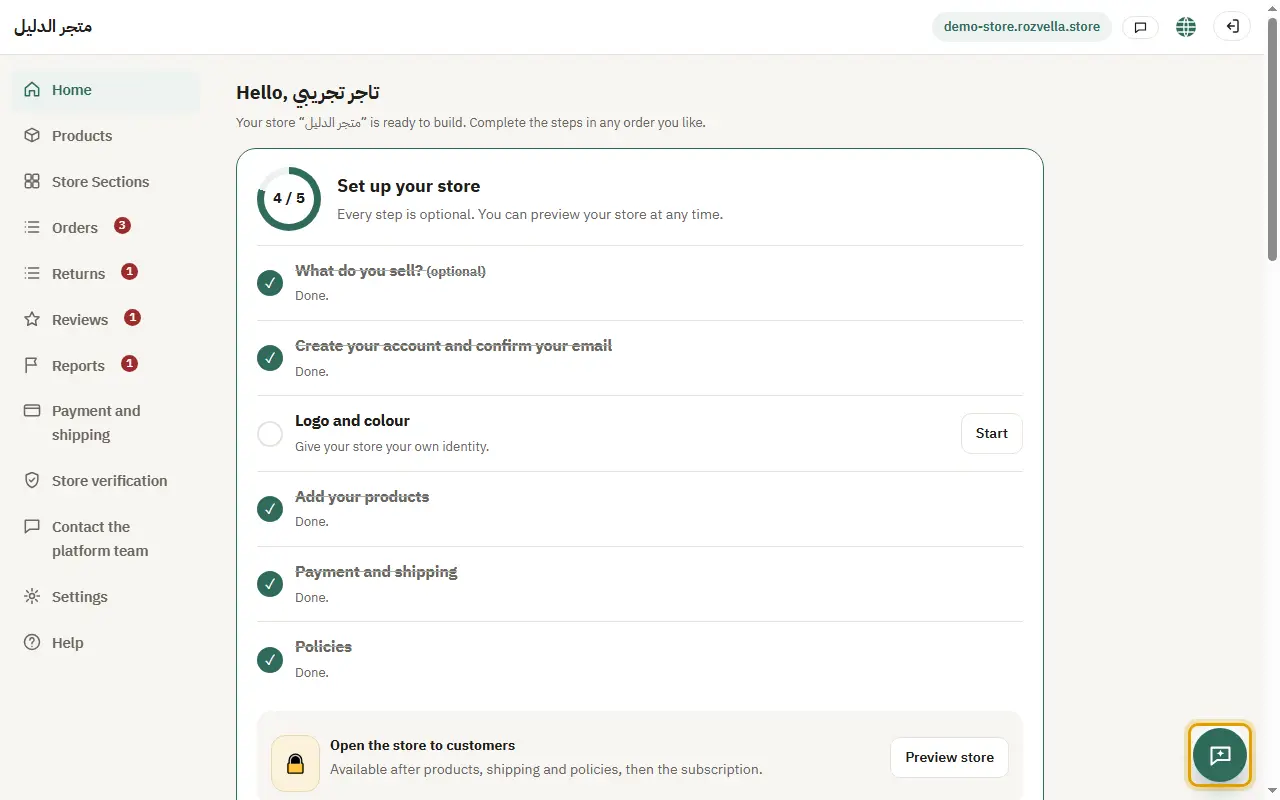
What happens?The assistant replies within seconds, with a button that opens the right page and a link to the step in the guide.
2What it doesn't answer
Questions about payments, refunds and problems with your account need the platform team.
Picture from a demo dashboard
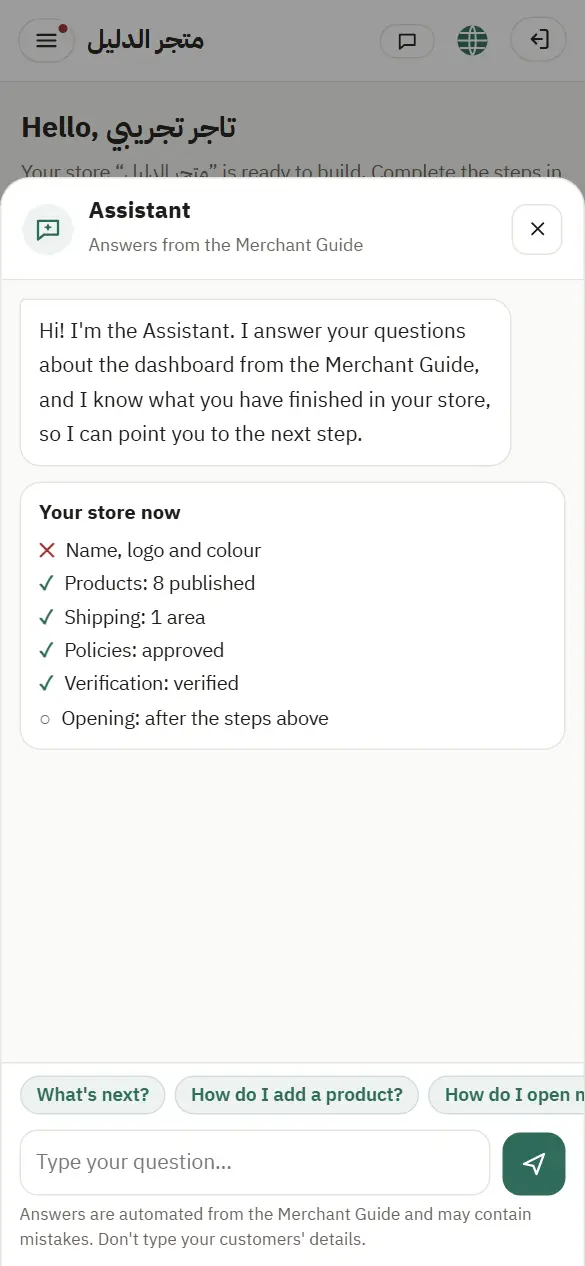
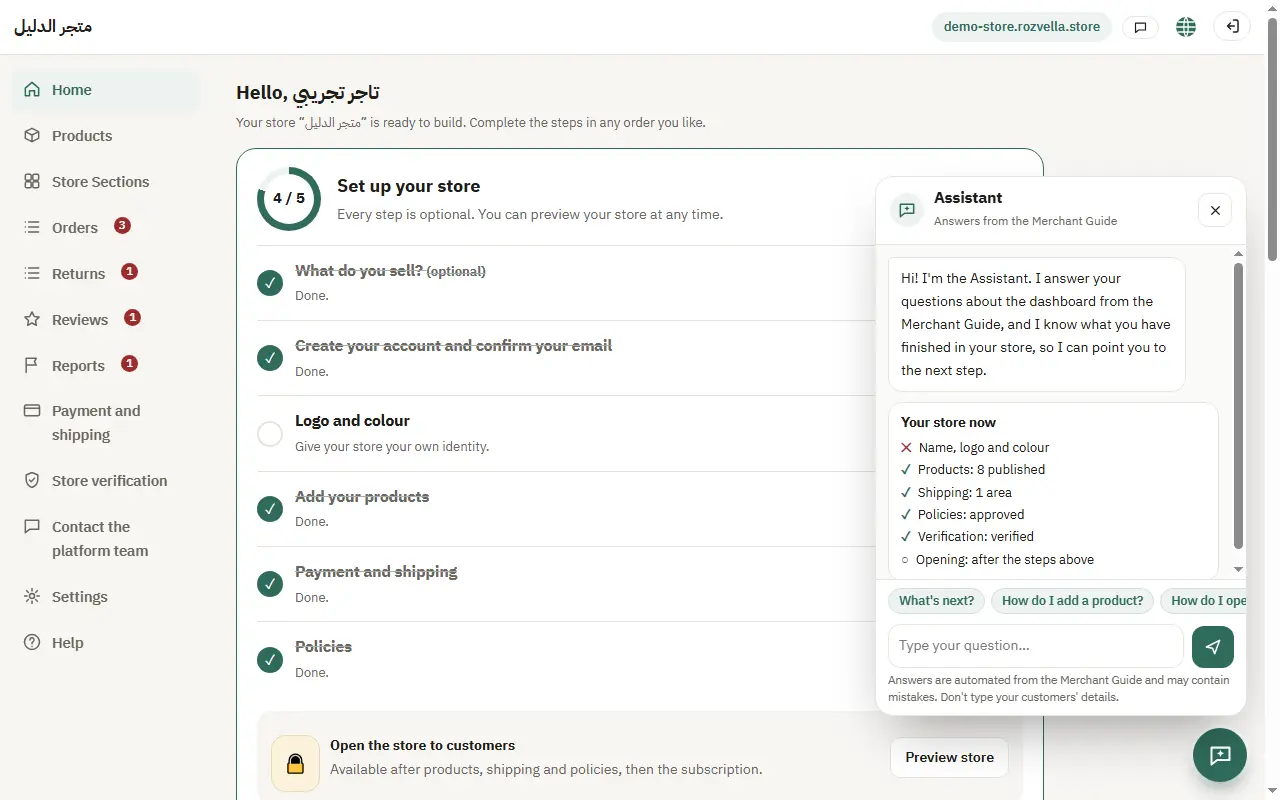
What happens?The assistant says it isn't sure and opens “Contact admin” for you.
3Privacy
Don't type your customers' details (names, numbers, addresses) in your question.
Picture from a demo dashboard
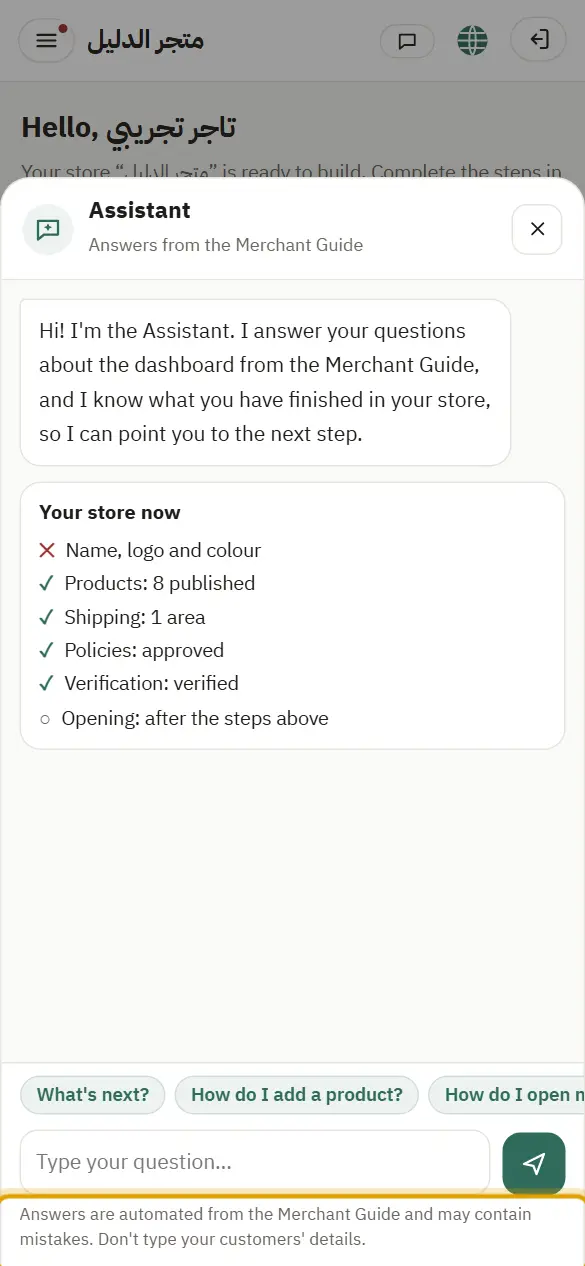
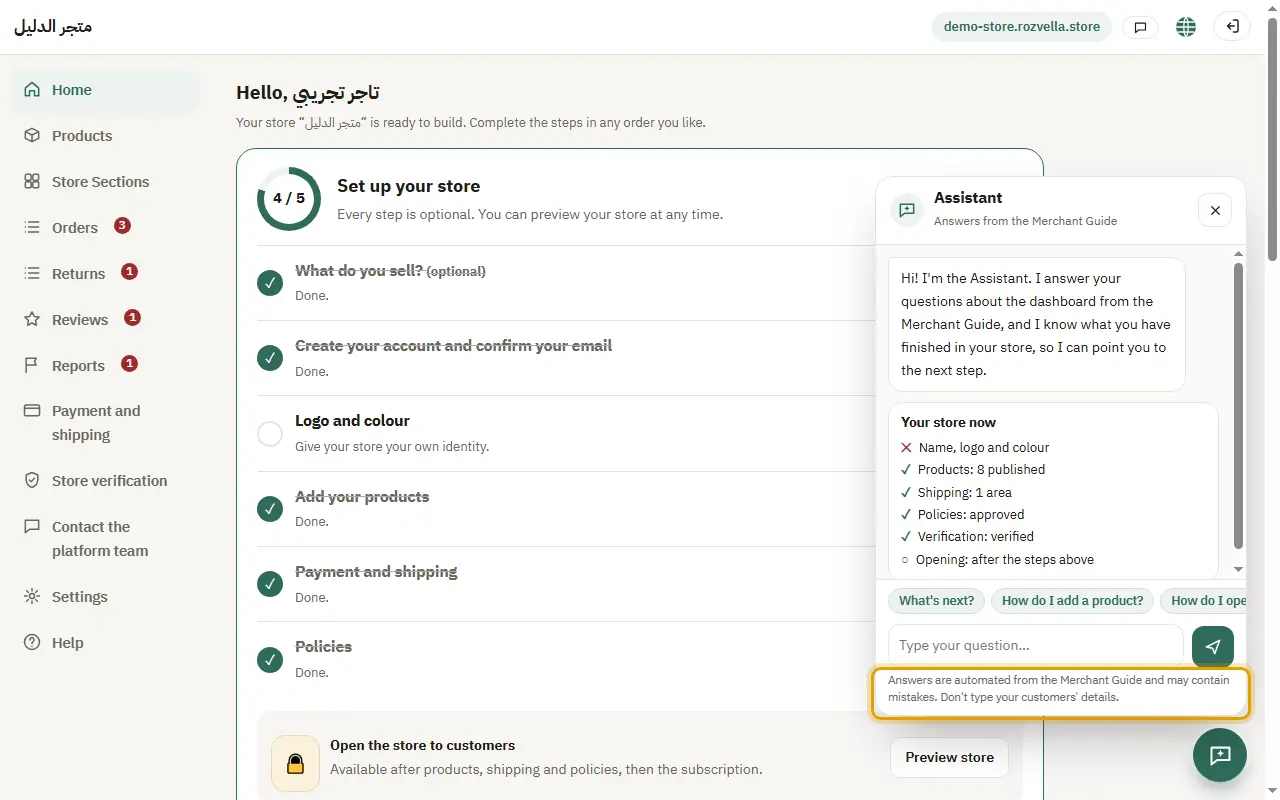
What happens?Any number or email in your question is removed before it is sent, and the conversation isn't saved on our side. Each merchant has a daily number of messages that renews every day.