Exporting your data
Your data is yours, and you can take a copy at any time.
In this article (2)
1Request the file
Where?Settings›Export my data›Prepare the file
Press “Prepare the file”.
Picture from a demo dashboard
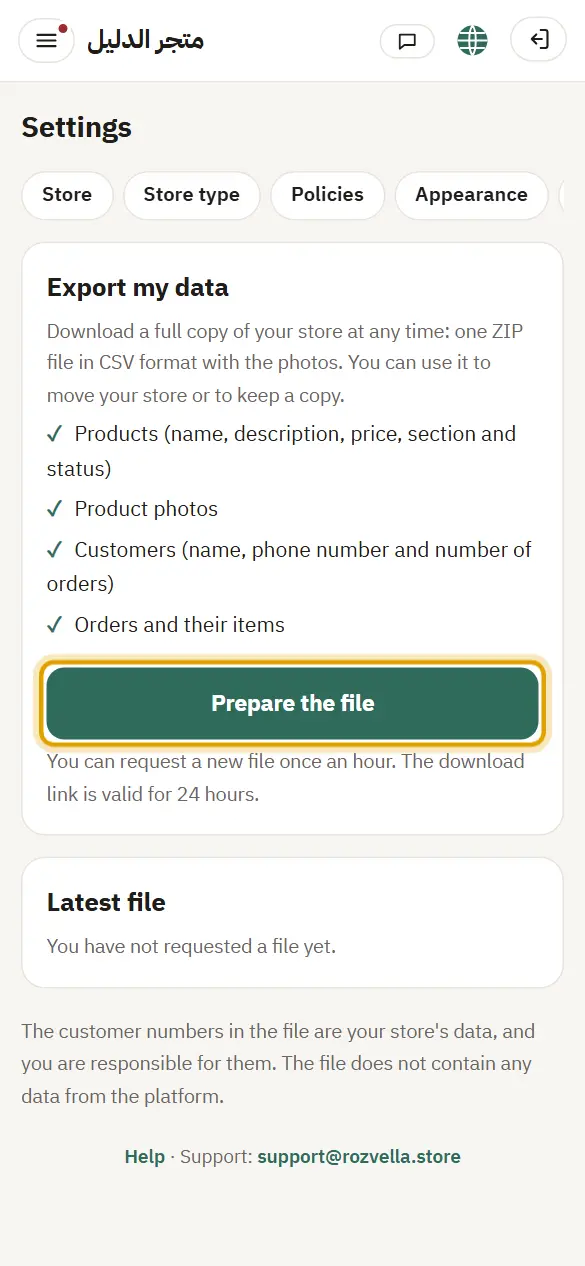
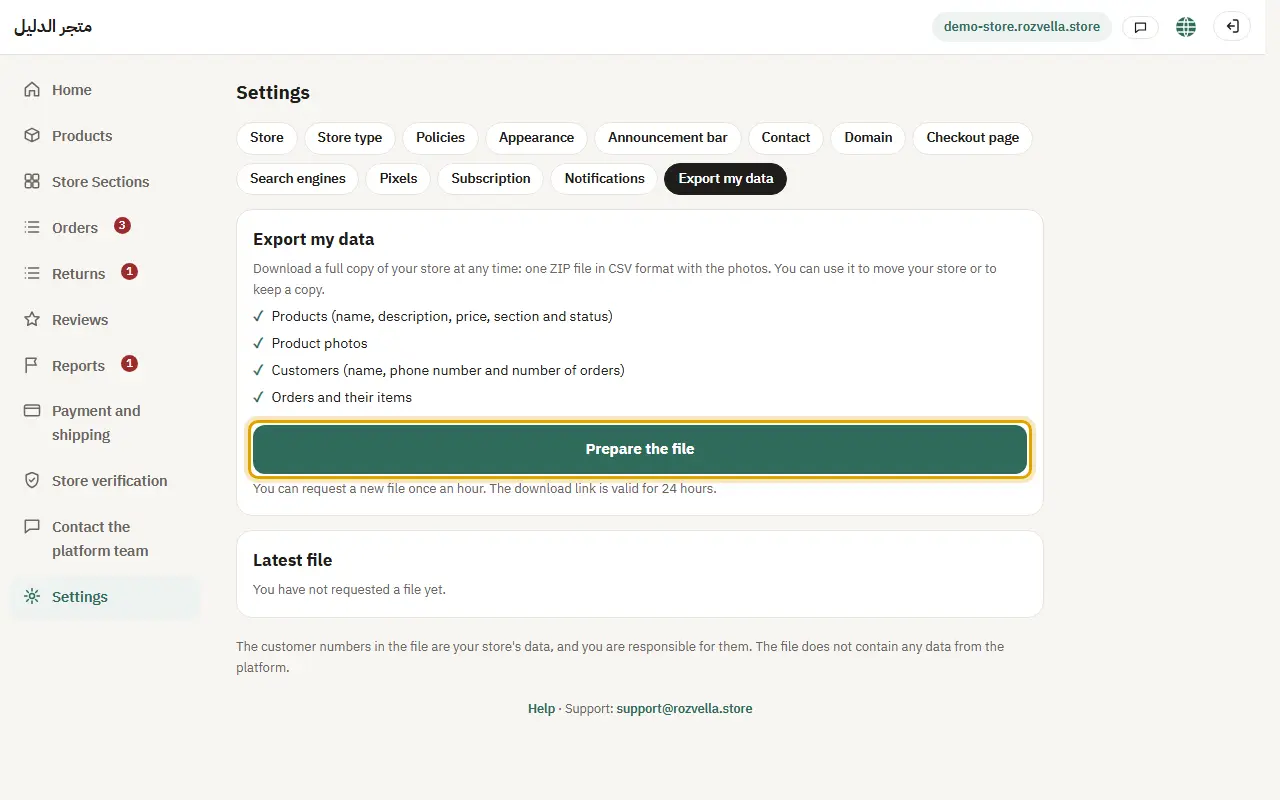
What happens?The file is ready in minutes and you get an email. It also shows under “Latest file”.
Common problems and fixes“Couldn't start preparing now”
Try again shortly. You can request a new file once an hour.
2Download the file
Where?Settings›Export my data›Latest file
Press the download link in the email or under “Latest file”.
Picture from a demo dashboard
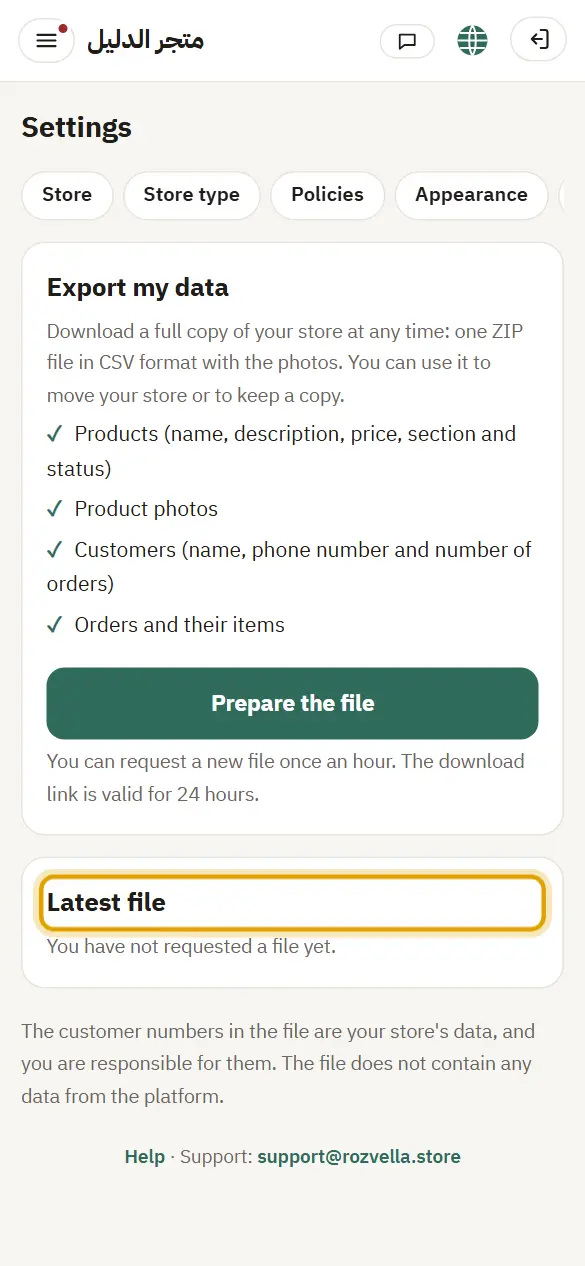
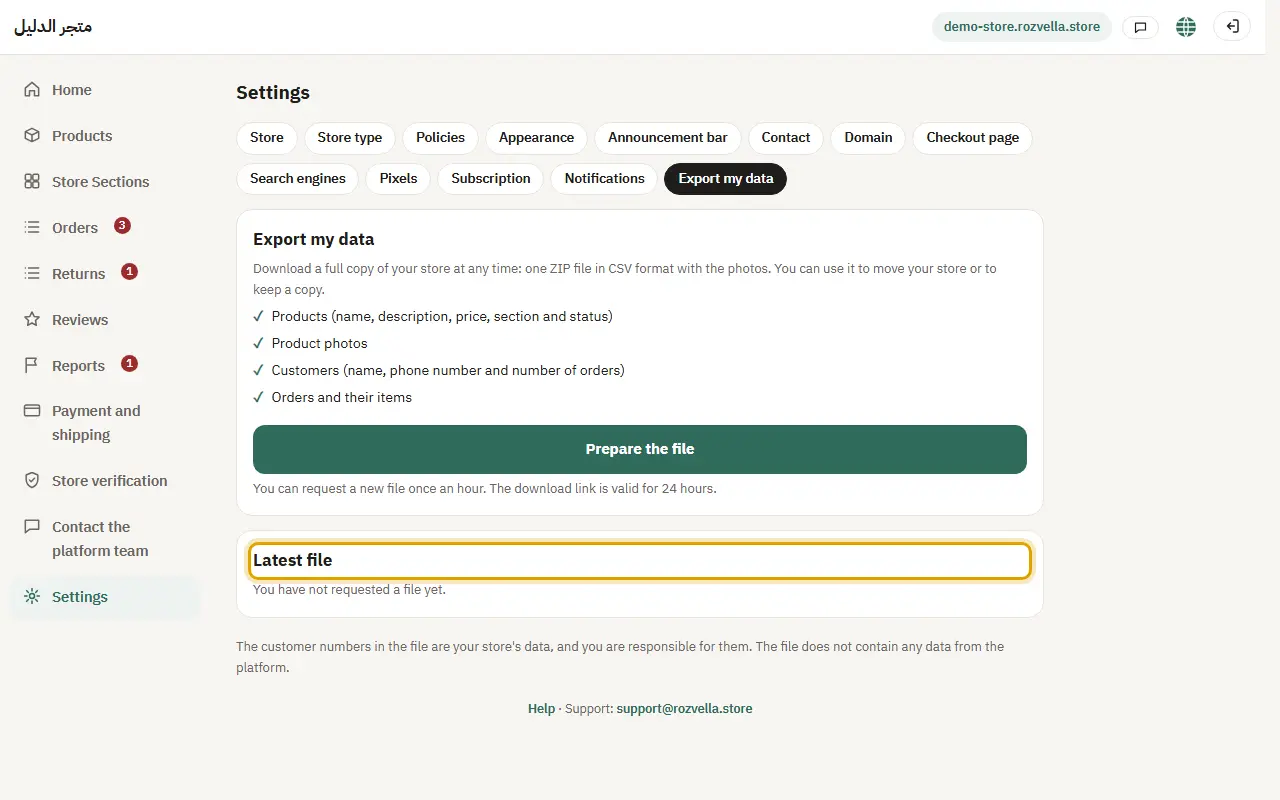
What happens?The link works for 24 hours. The files are CSV, with the photos.
Common problems and fixes“The file link has expired”
Request a new file from “Prepare the file”.