Payment methods
You only see the payment methods for your store's country. The money comes straight to you; it does not pass through the platform.
In this article (3)
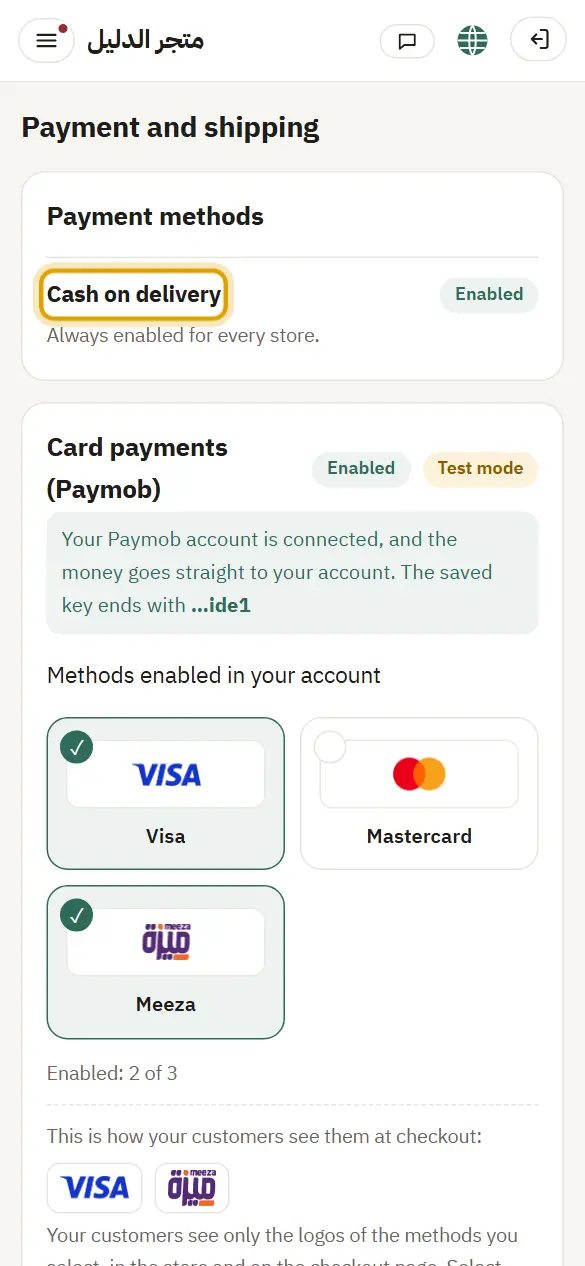
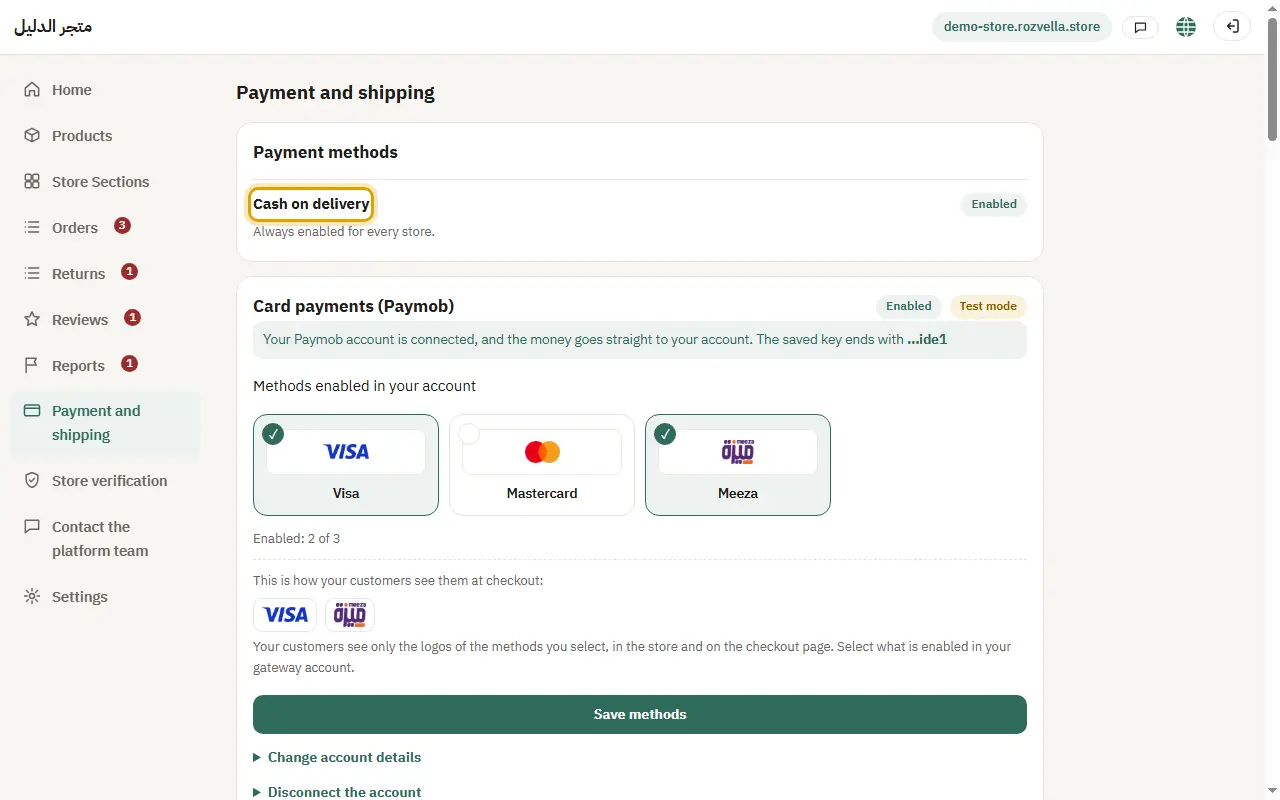
1Cash on delivery
Where?Payment and shipping›Payment methods›Cash on delivery
Cash on delivery is on for every store from day one.
2Transfers and wallets
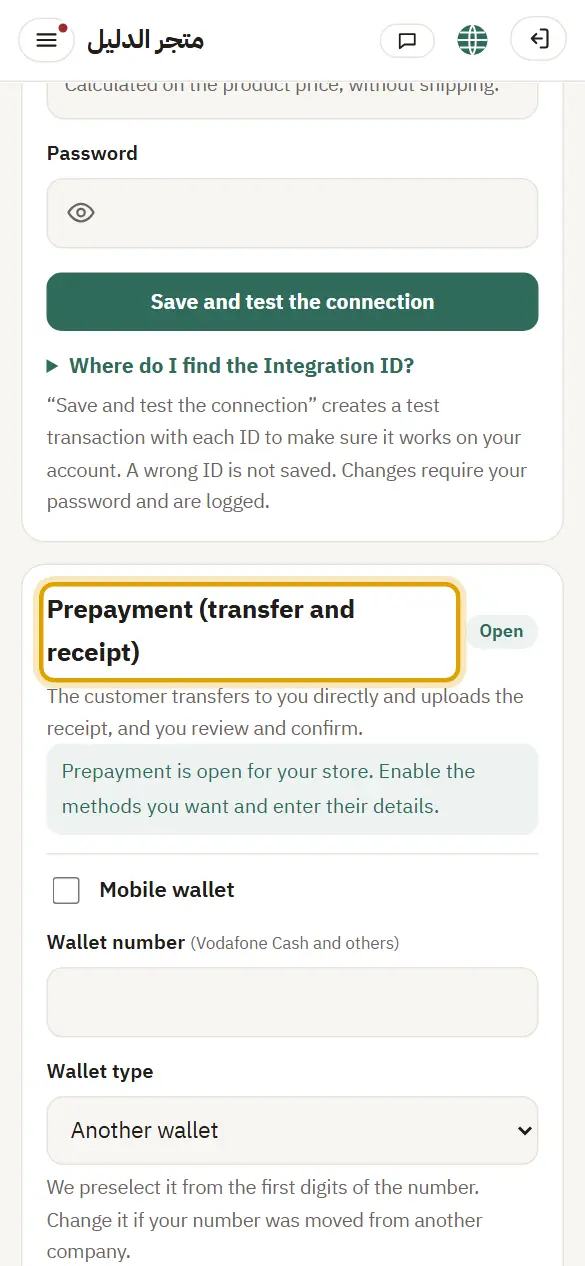
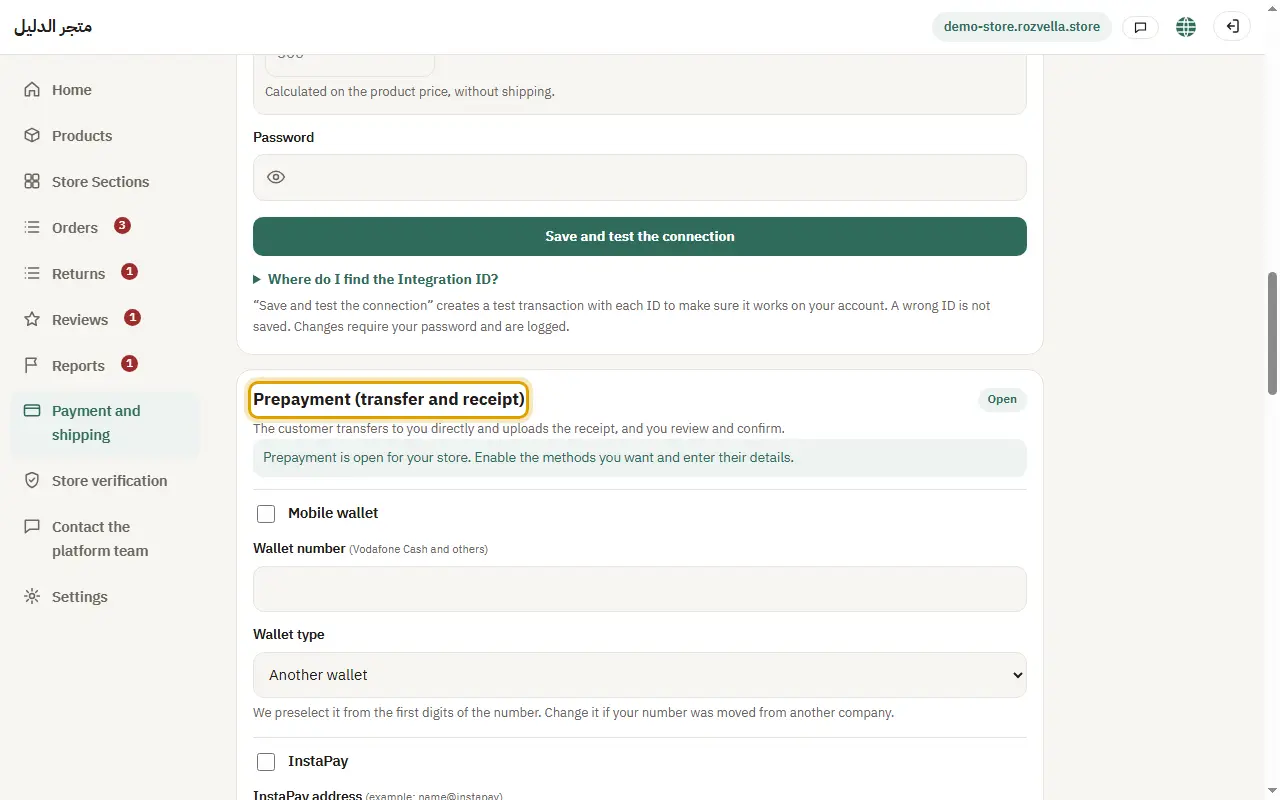
Where?Payment and shipping›Prepayment (transfer and receipt)›Save payment methods
Under “Prepayment (transfer and receipt)” turn on the method and enter your number or account: bank transfer, wallets and InstaPay (Egypt), stc bank (Saudi Arabia) and BenefitPay (Bahrain). For a wallet, choose the “Wallet type”. Then press “Save payment methods”.
“Enter your password to confirm changing transfer details”
To protect your customers' money, changing any transfer number needs your password, and you get an email about the change.
“Choose the wallet type from the list”
We suggest the type from the start of the number. Check it and choose the right type.
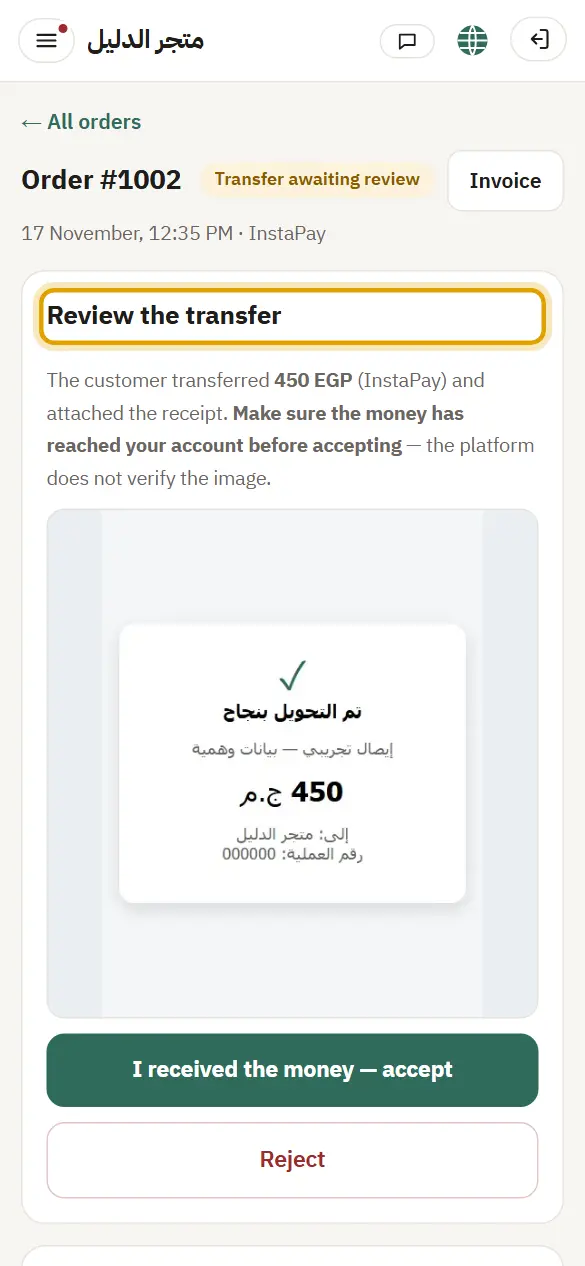
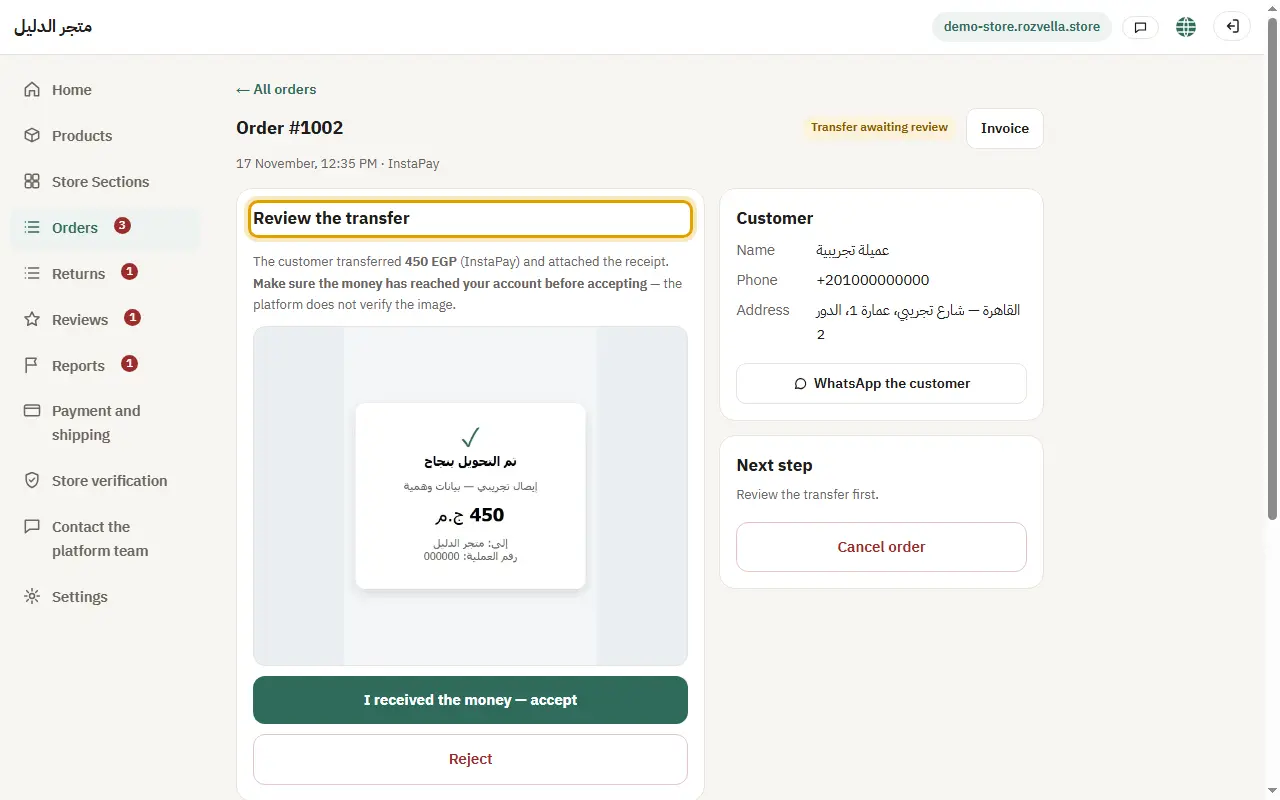
3Review the transfer receipt
Where?Orders›Review the transfer›I received the money — accept
Open the order marked “Transfer awaiting review”, make sure the money reached your account, then press “I received the money — accept”. If it didn't arrive, press “Reject” and write the reason.
I accepted a wrong receipt
Always check that the money reached your account before accepting, then contact the customer to put things right.
Card payments through Paymob (Egypt) or Tap (Gulf) are in the article “Card payments”.