Reports
Reports protect customers and honest merchants alike.
In this article (3)
1“My order hasn't arrived”
Where?Orders
The customer only sees it if the order is past the shipping deadline.
Picture from a demo dashboard
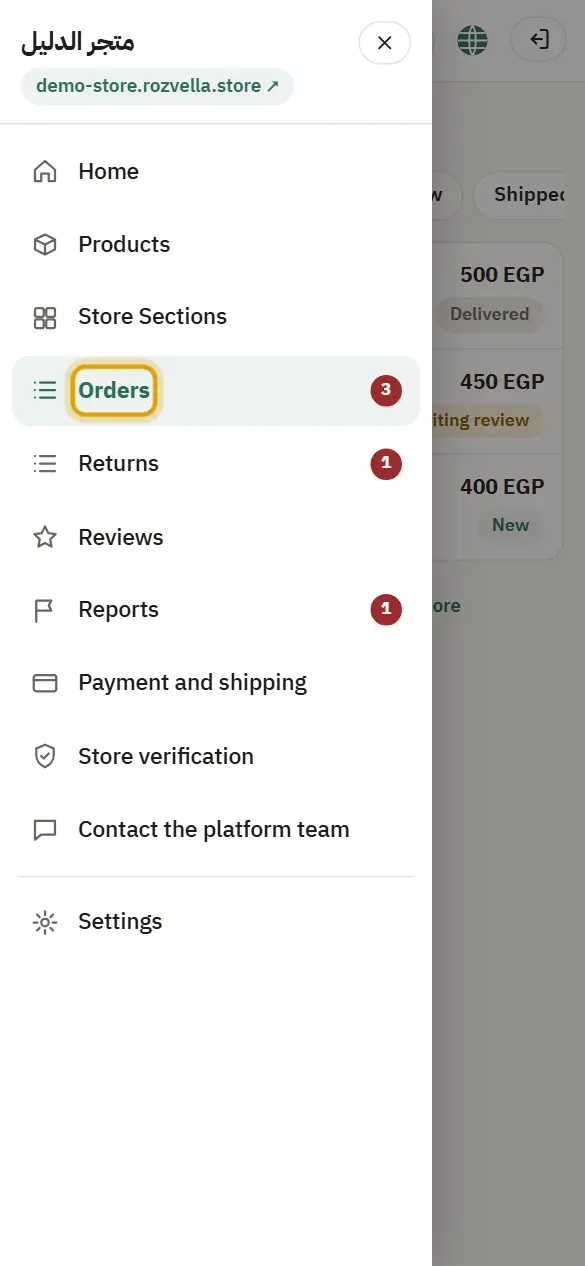
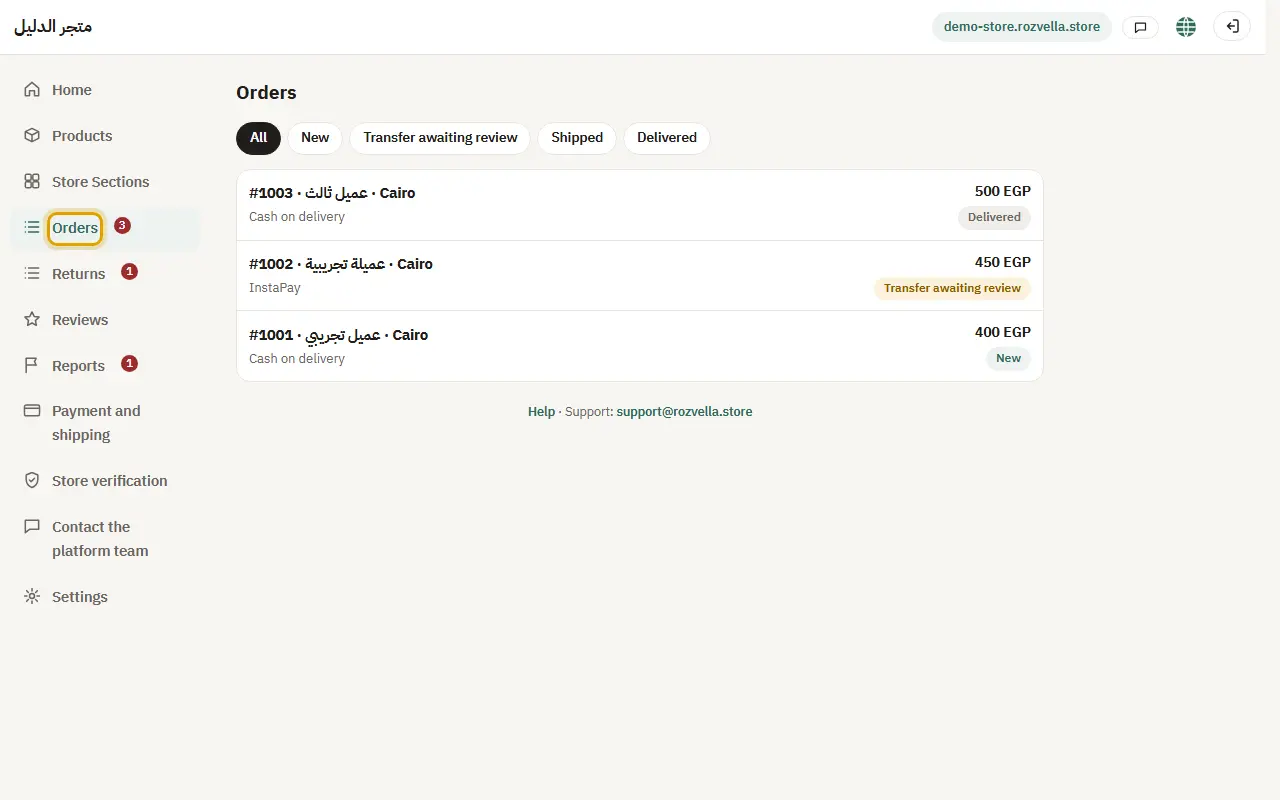
What happens?You get an email and it shows in the order log. Ship the order or contact the customer.
2The reports inbox
Where?Reports›Send reply
From “Reports”, open the report, write your reply and explanation, then “Send reply”.
Picture from a demo dashboard
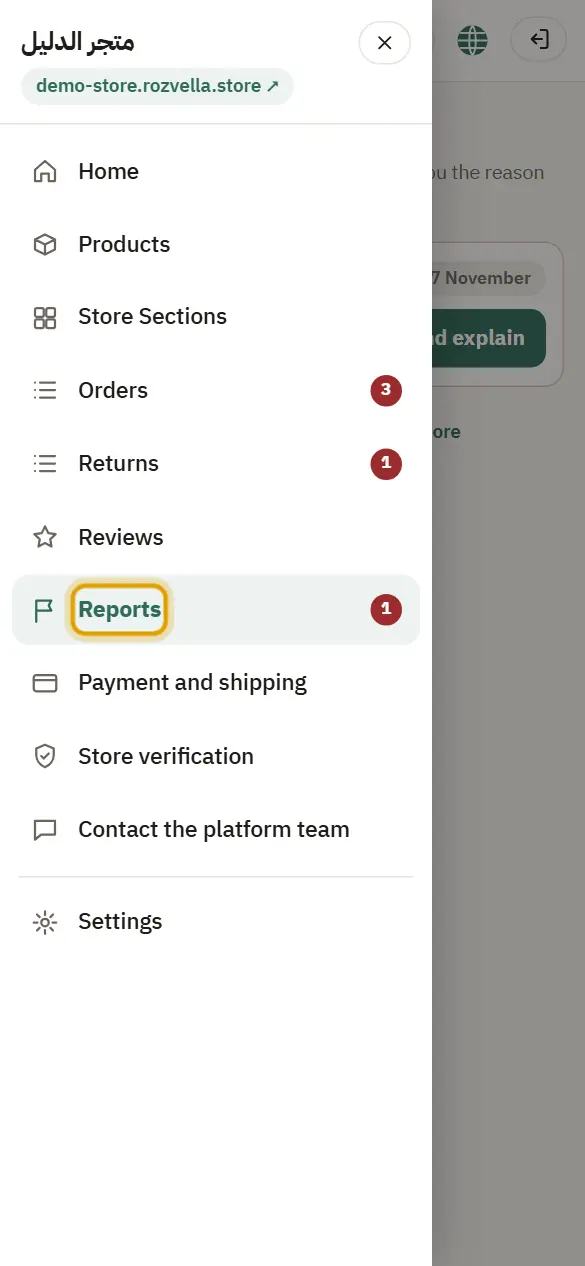
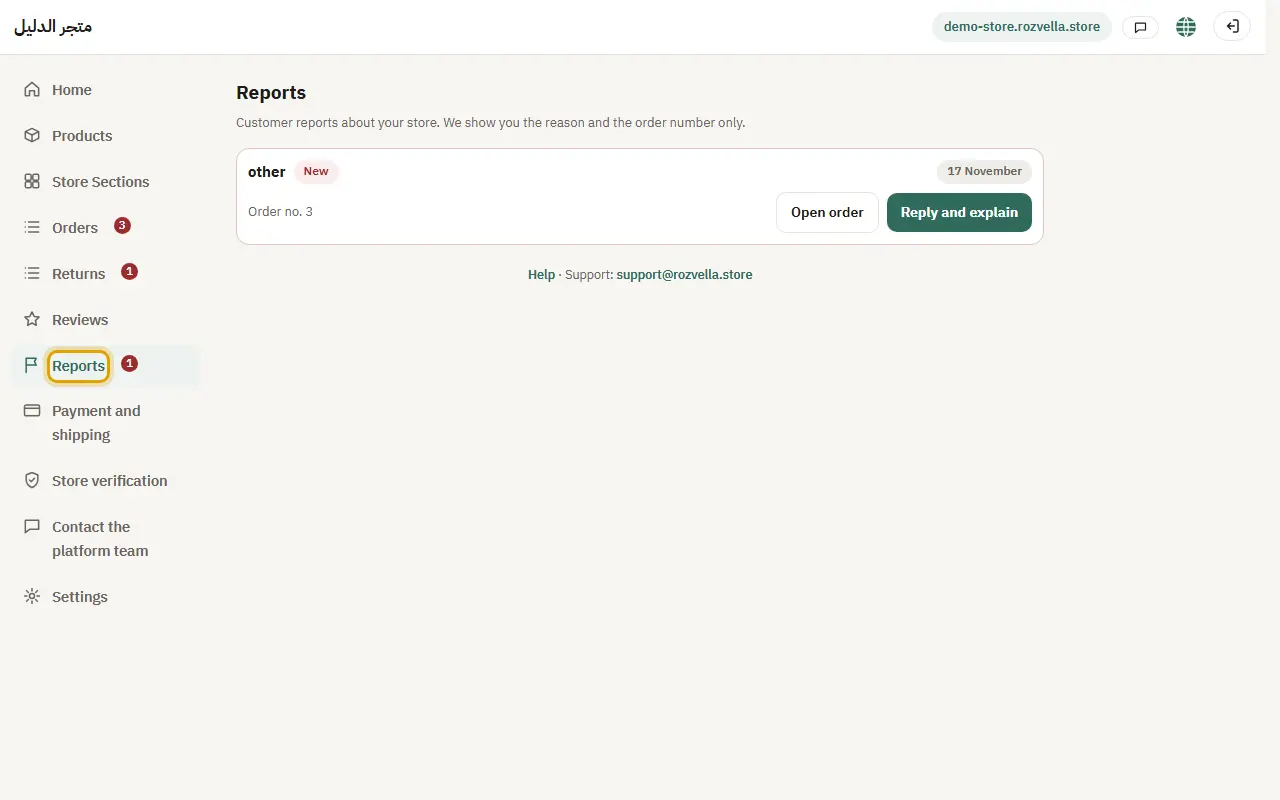
What happens?You see the reason, date and order number only, without the reporter's details, and your reply goes to the team.
3Serious reports
Fraud and banned-product reports are reviewed by the team first.
What happens?Repeated delays and reports can lead to the store being suspended.