Product reviews
The customer can review each product in their order after delivery (up to 60 days), and the review shows right away.
In this article (3)
1Reviews
Where?Reviews
Open “Reviews”.
Picture from a demo dashboard
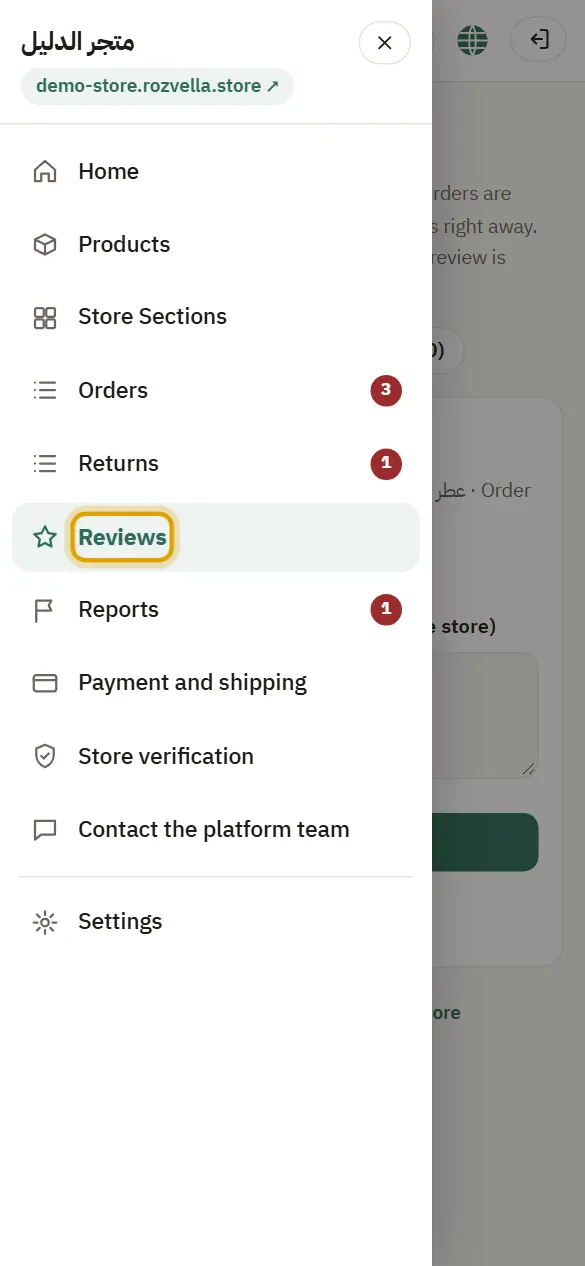
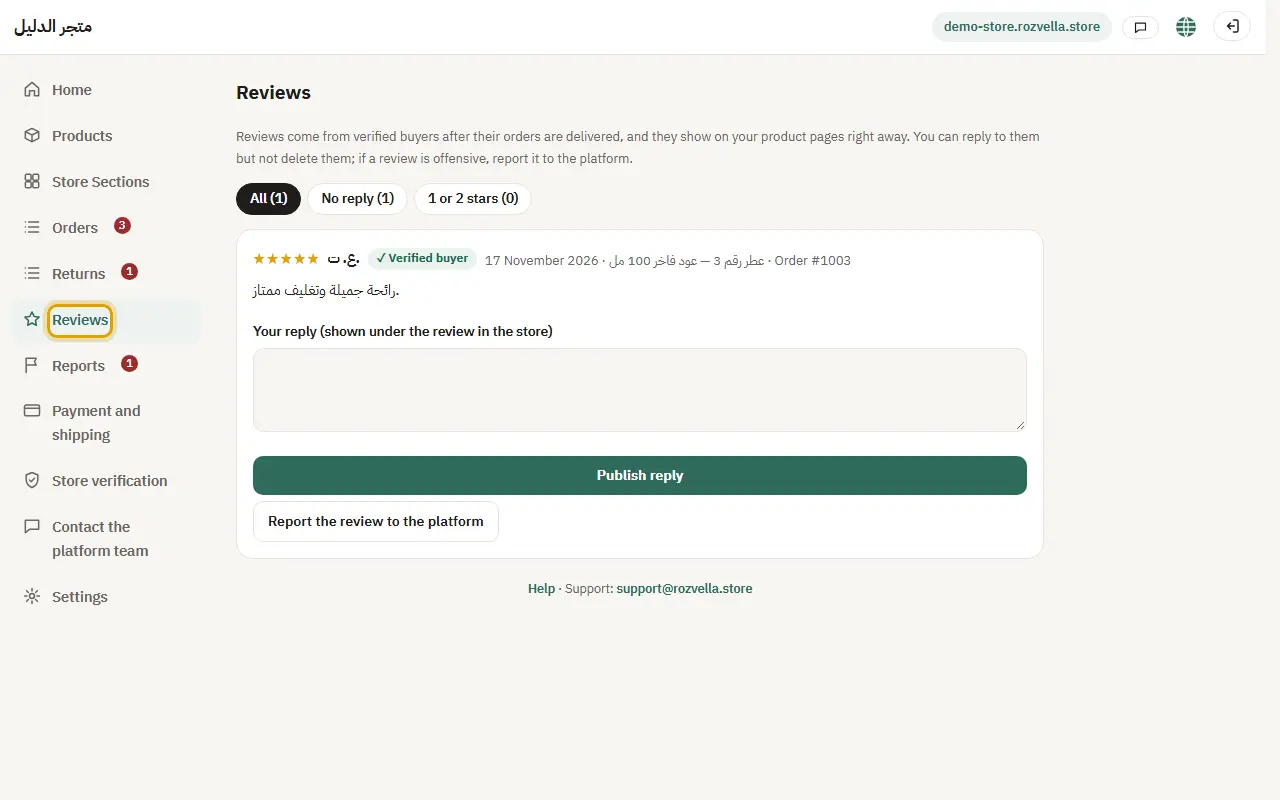
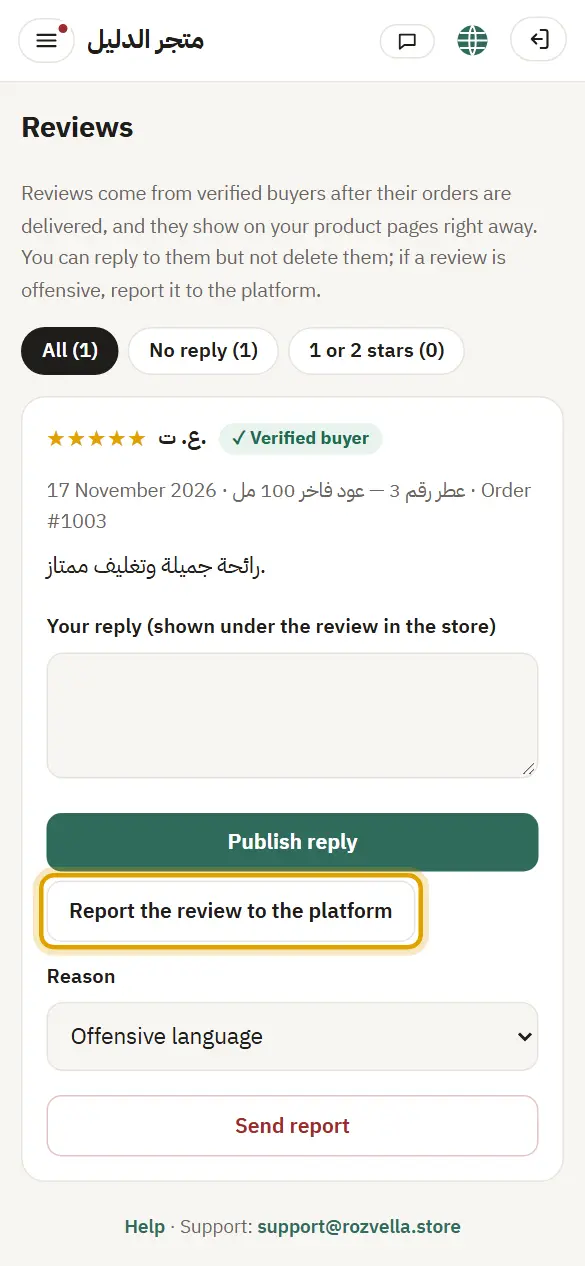
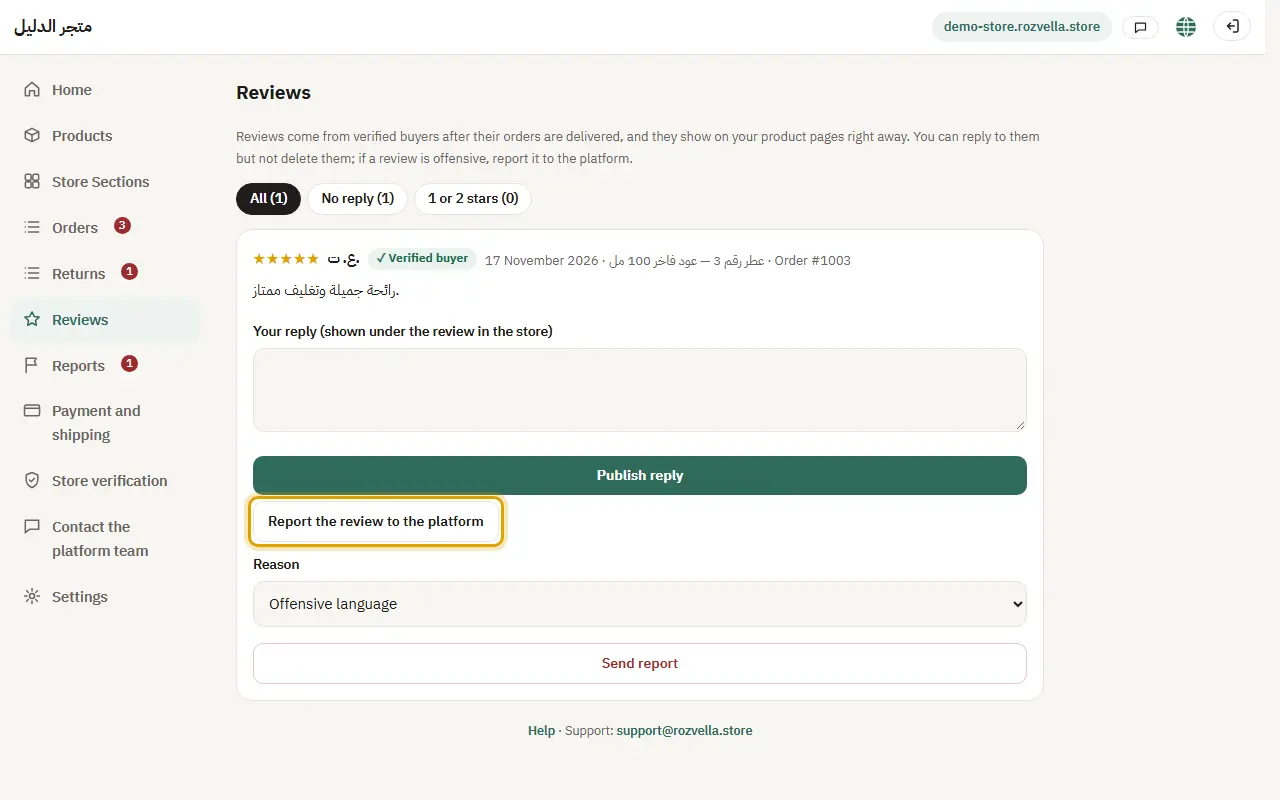
What happens?You see the stars, the comment and the product, with a “✓ Verified buyer” label and a short name only.
2Reply to a review
Where?Reviews›Publish reply
Write your reply under the review and press “Publish reply”.
Picture from a demo dashboard
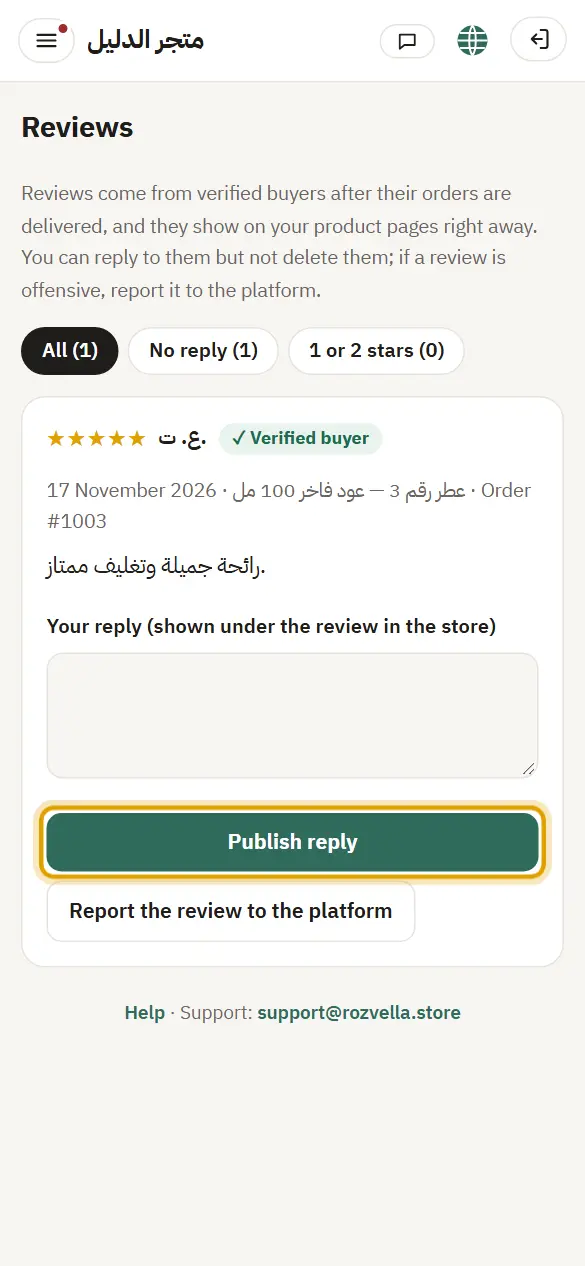
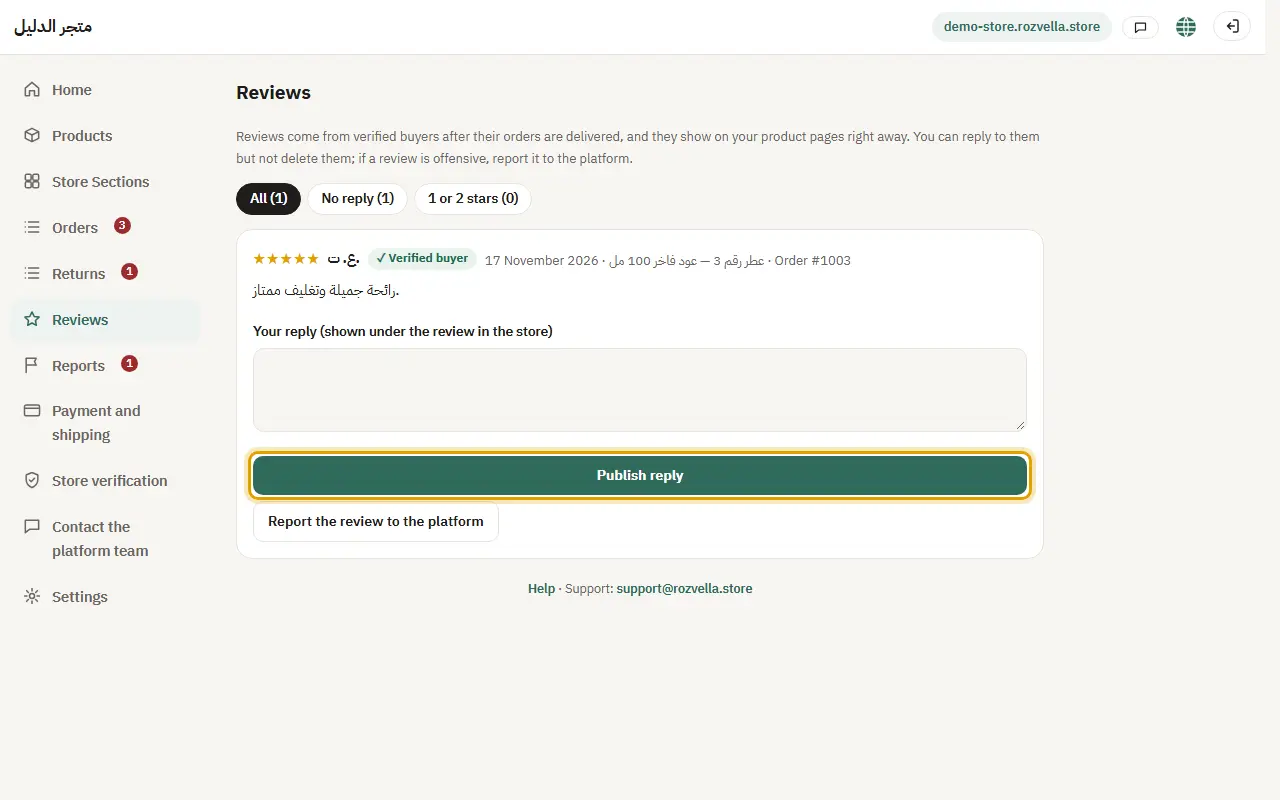
What happens?Your reply shows under the review on the product page.
3An abusive review?
Where?Reviews›Report the review to the platform
Open “Report the review to the team”, choose the reason, then “Send report”.
Picture from a demo dashboard
What happens?You can't delete or hide a review, but the team reviews it and may hide it.