Shipping and governorates
The customer picks their area when ordering, and shipping is added automatically. Delivery is within your store's country only.
1The ready governorate list
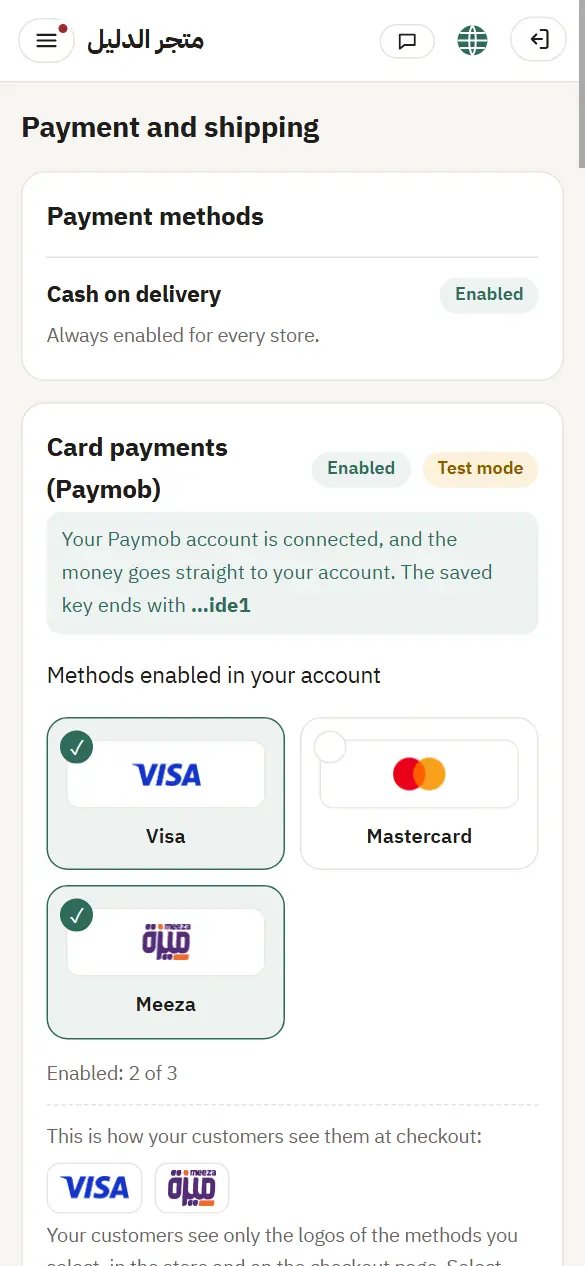
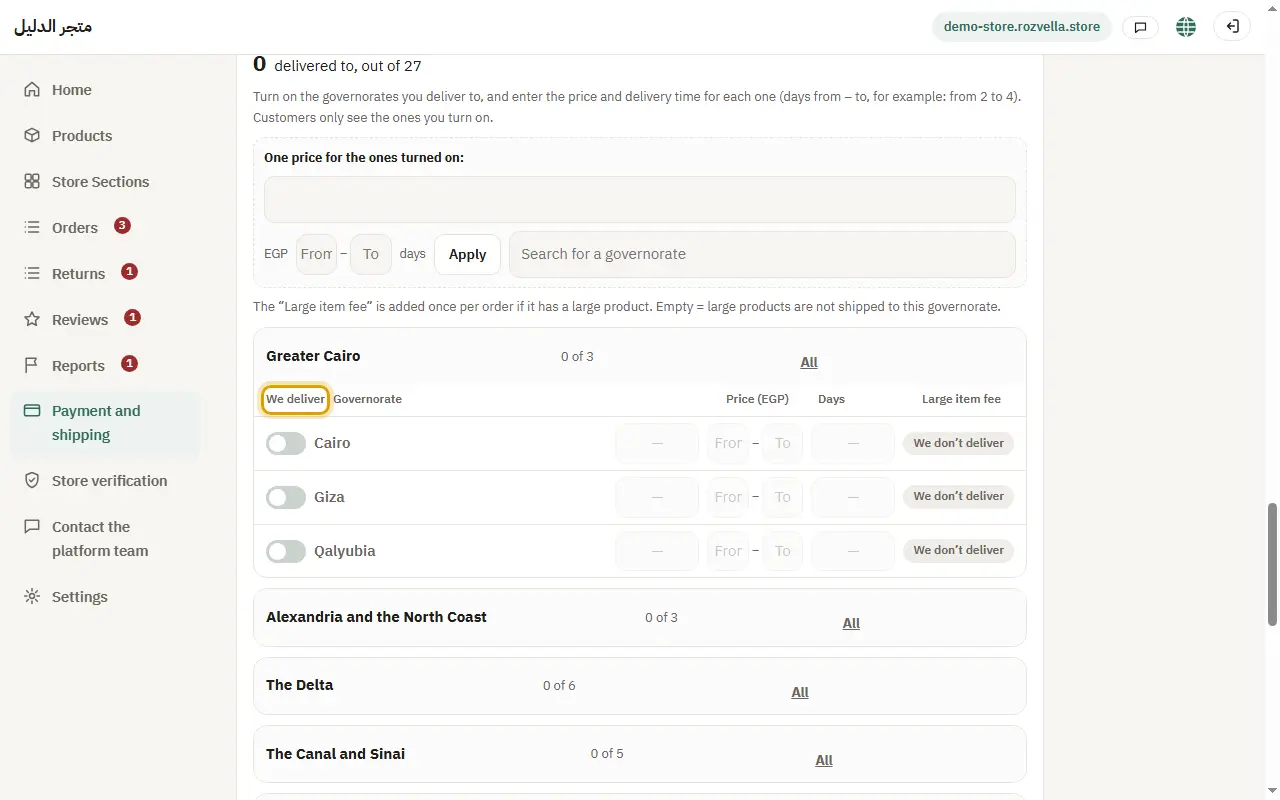
Where?Payment and shipping›Shipping›We deliver
Turn on “We deliver” for each governorate you deliver to, and enter the price and days (from / to) for each, or enter “One price for the ones turned on” and press “Apply”. Then press “Save shipping”.
I want a city or district at a different price
Press “Add area” under “Extra areas” and enter its name and price.
“Enter the name of each area”
An extra area needs a name. Enter it or remove the empty row.
2Use the ready list
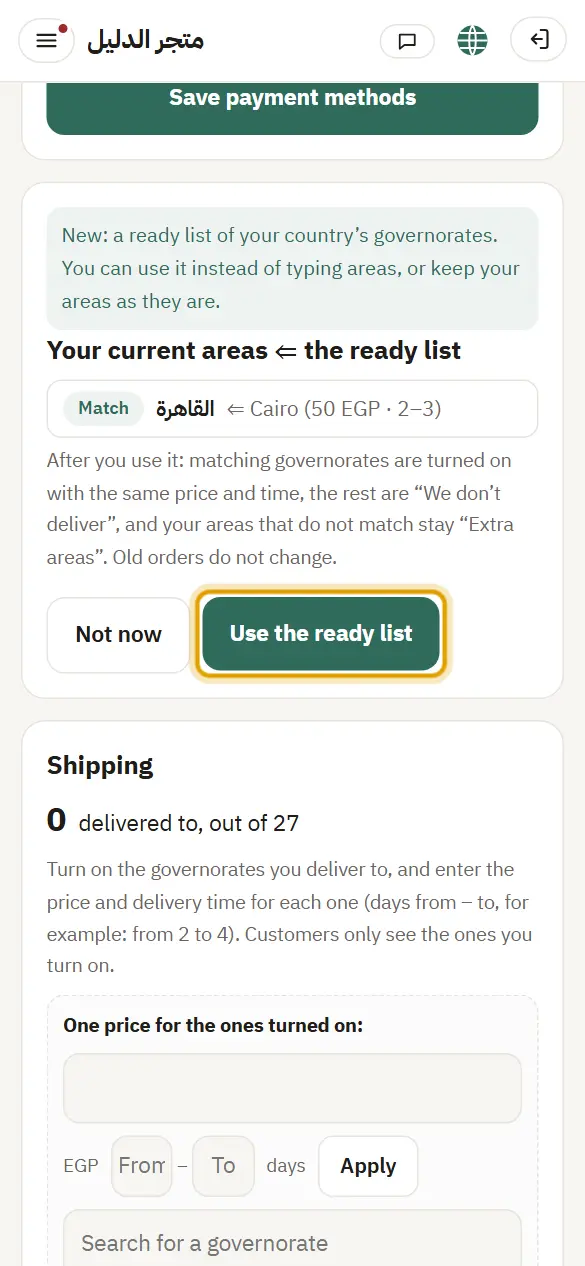
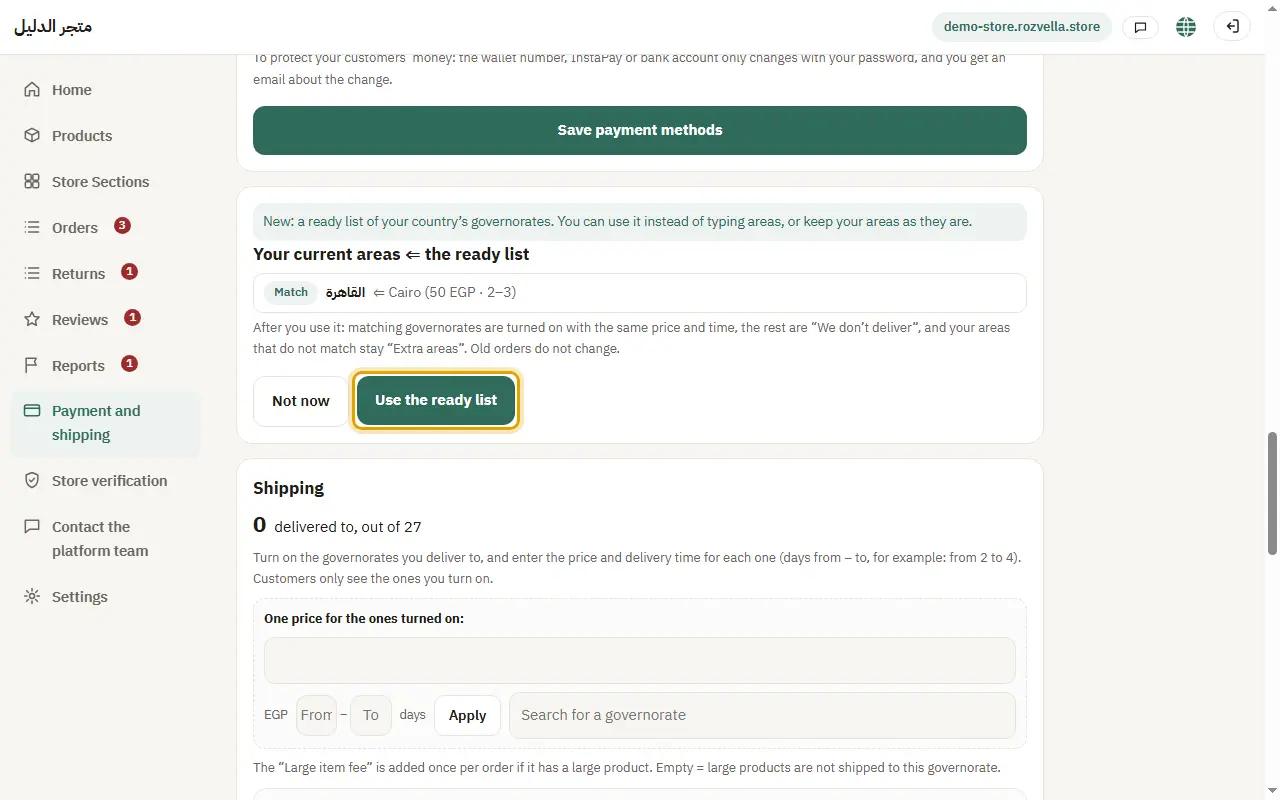
Where?Payment and shipping›Use the ready list
If you had typed areas before the ready list, press “Use the ready list”.
3Free shipping
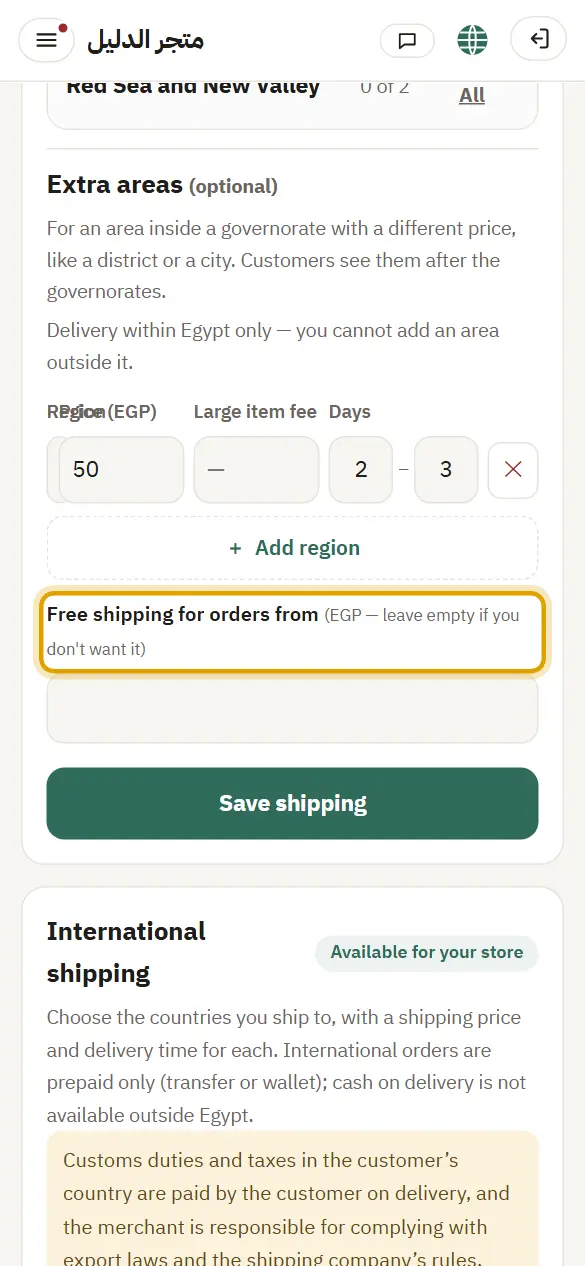
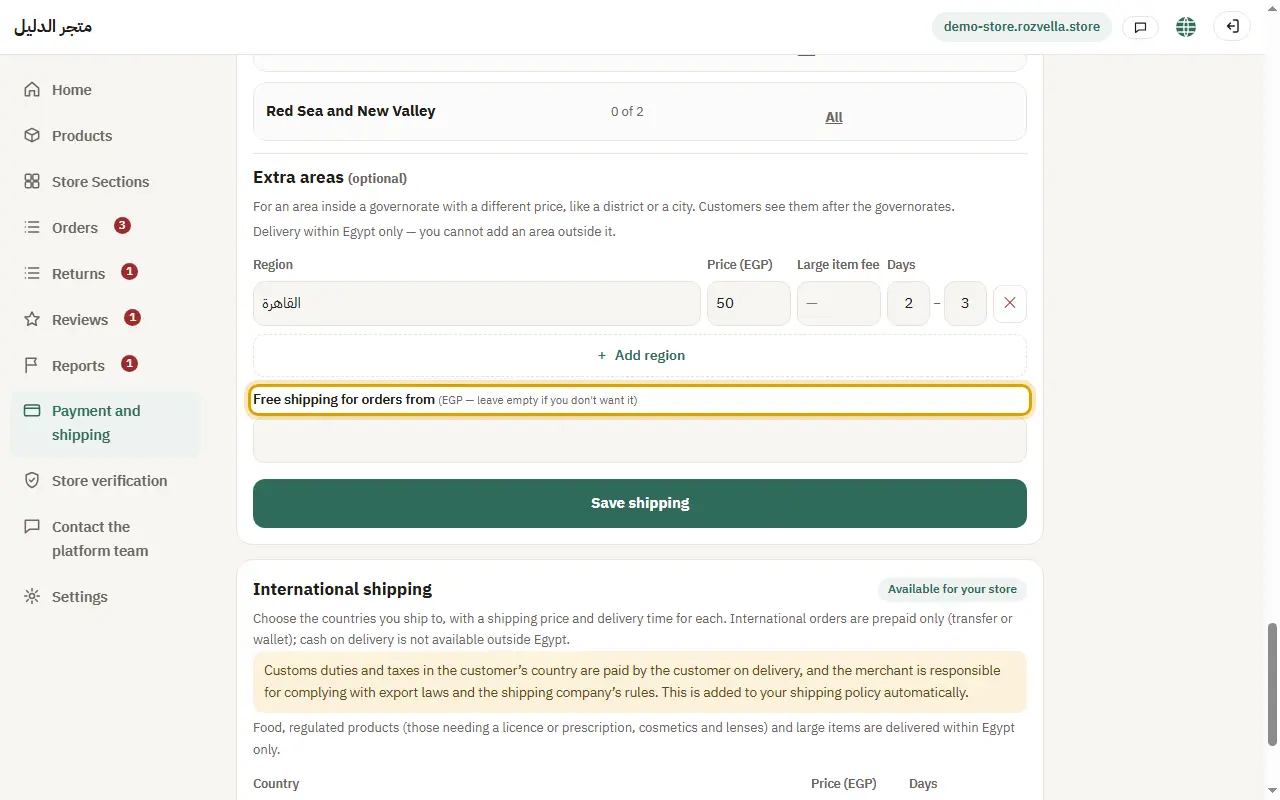
Where?Payment and shipping›Free shipping for orders from
Enter an amount in “Free shipping for orders from” and press “Save shipping”.
“The free shipping amount is not valid”
Enter a number only, without symbols, or leave the field empty to turn free shipping off.
4The shipping deadline
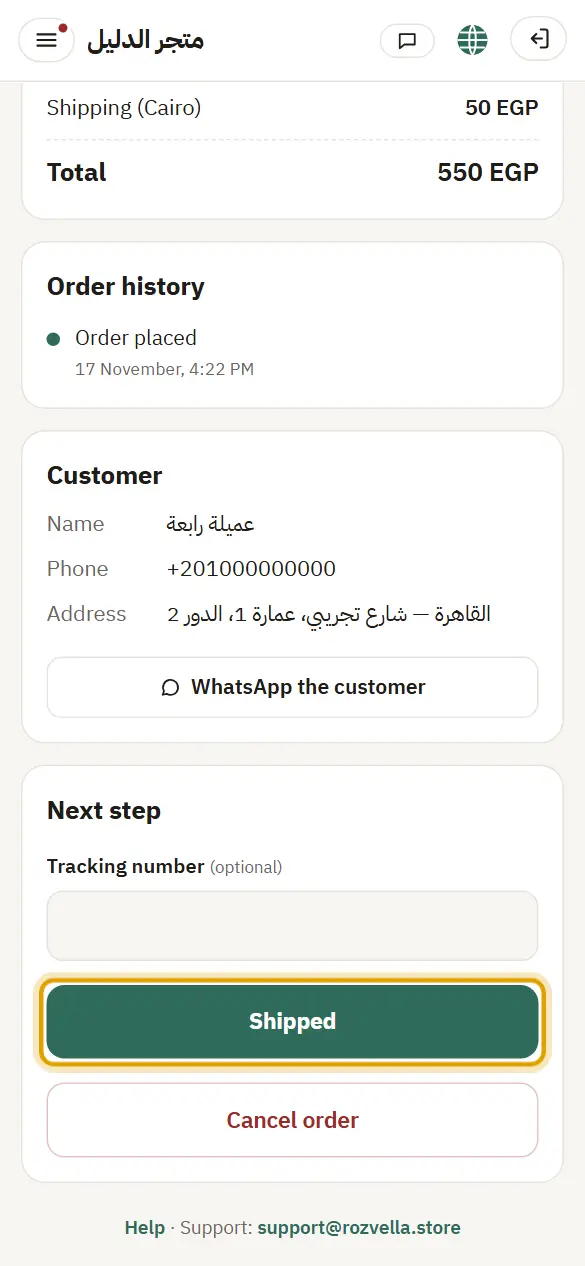
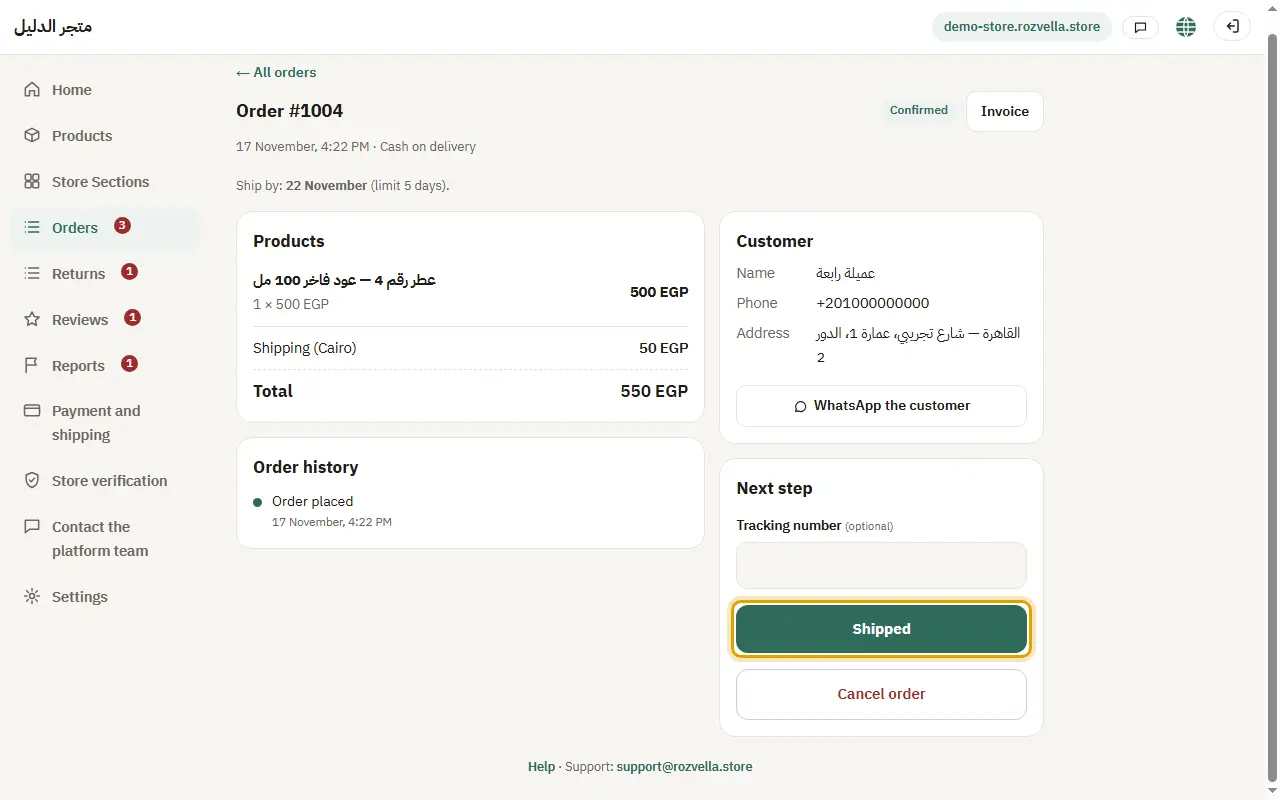
Where?Orders›Shipped
After you confirm an order you have a deadline to ship it, shown on the order. Press “Shipped” before it ends.
The “Shipping and delivery” policy in your store is written automatically from your shipping areas.