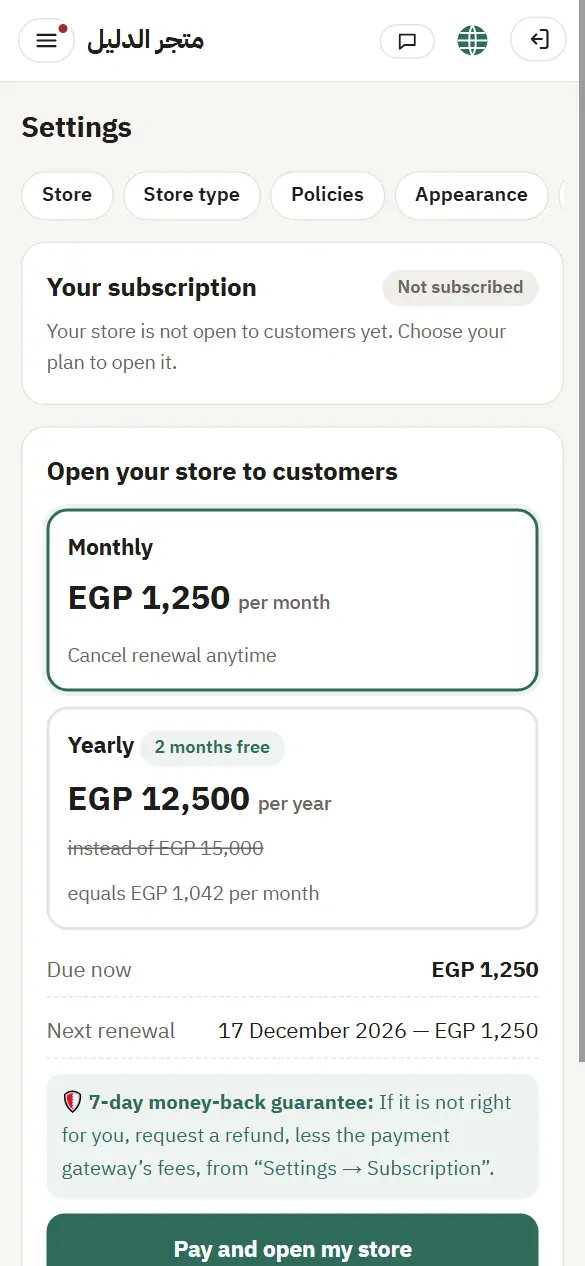
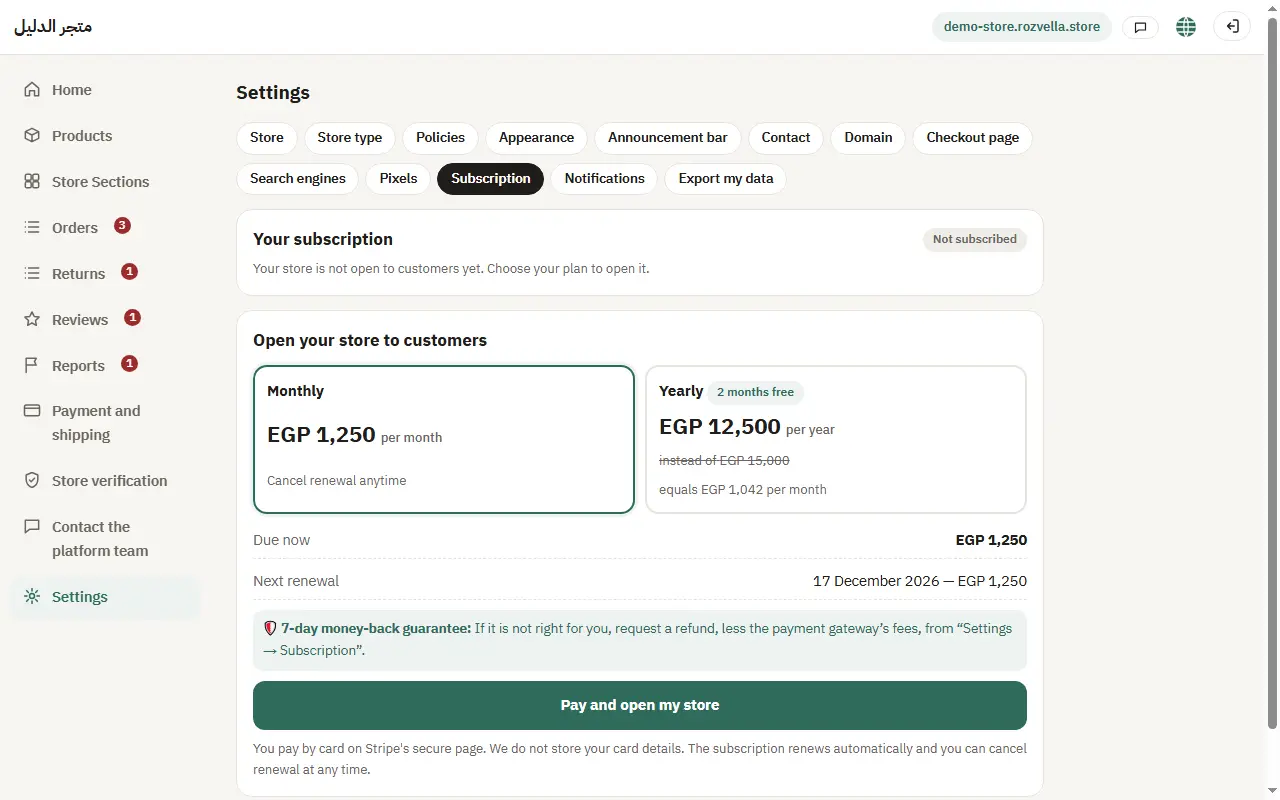
Subscription, renewal and the money-back guarantee
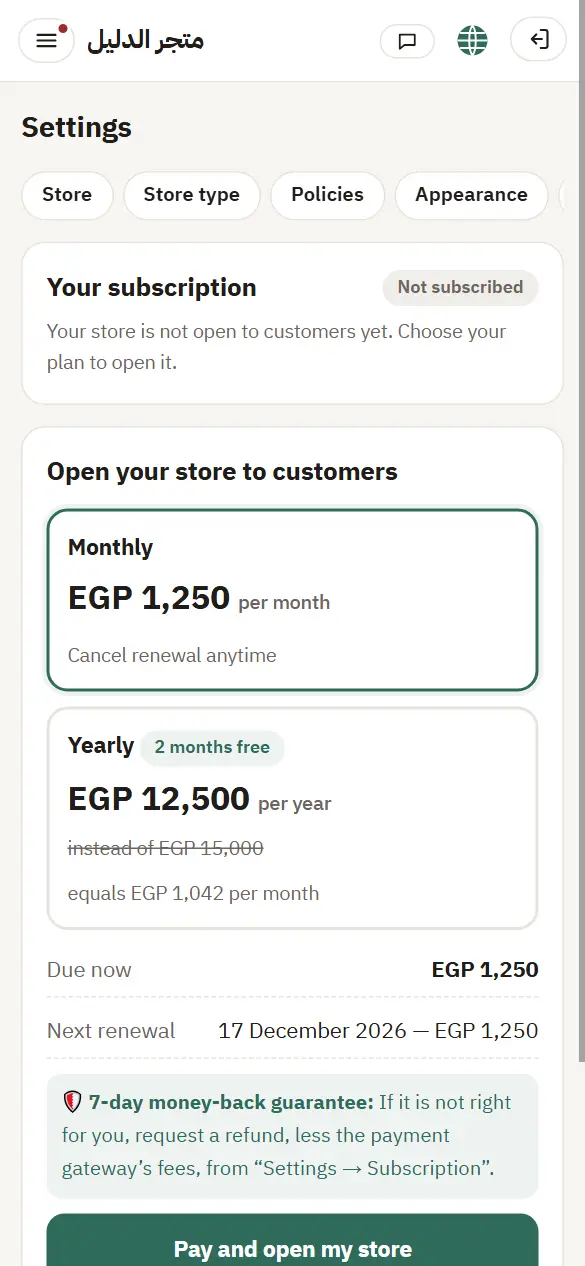
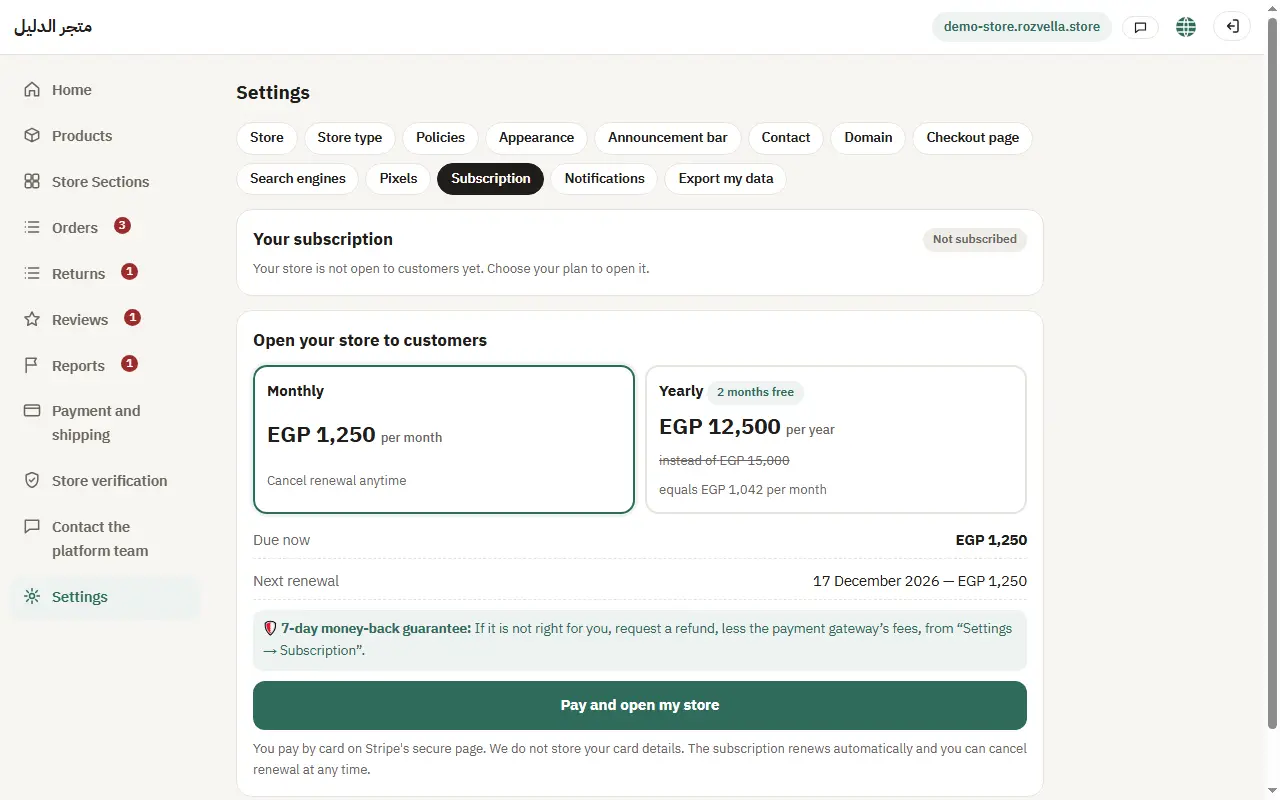
Everything about your subscription is in “Settings ← Subscription”.
In this article (5)
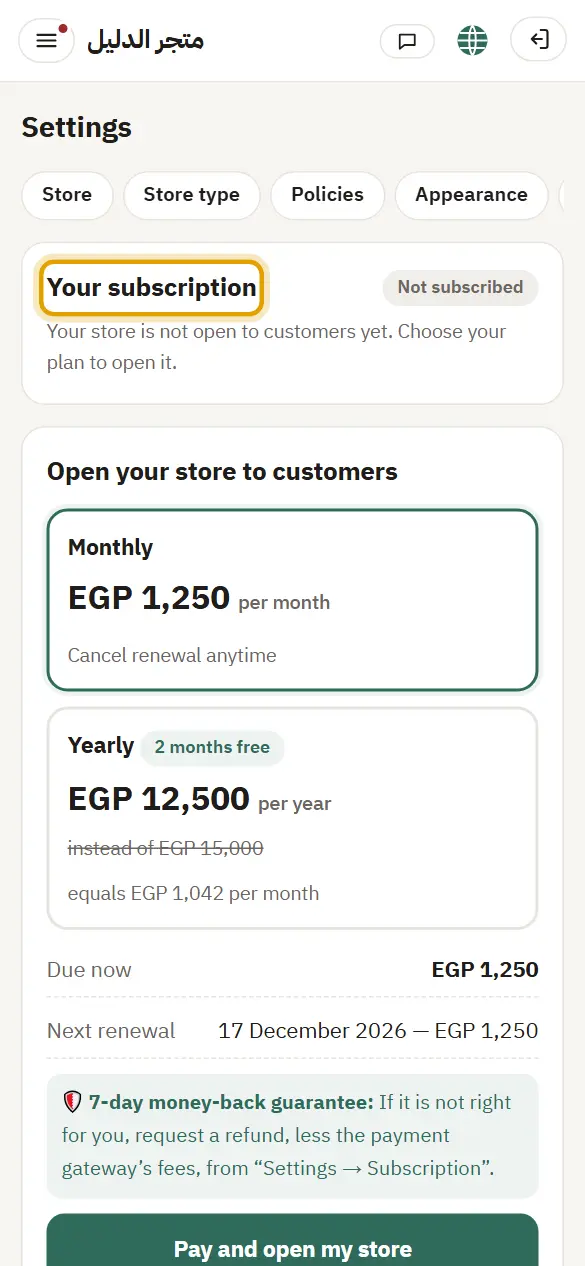
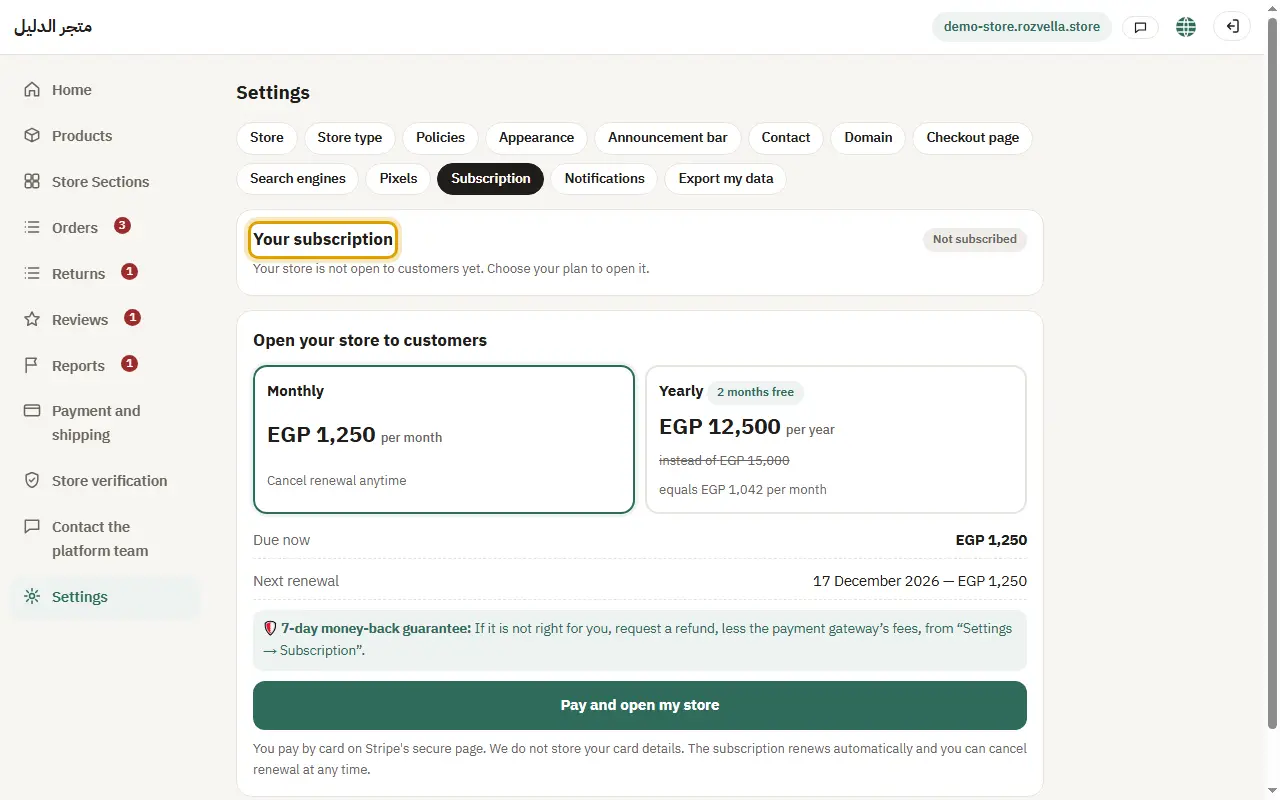
1Your subscription and invoices
Where?Settings›Subscription›Your subscription
Open “Settings ← Subscription”.
2Changing the payment method
Where?Settings›Subscription›Change payment method
Press “Change payment method”.
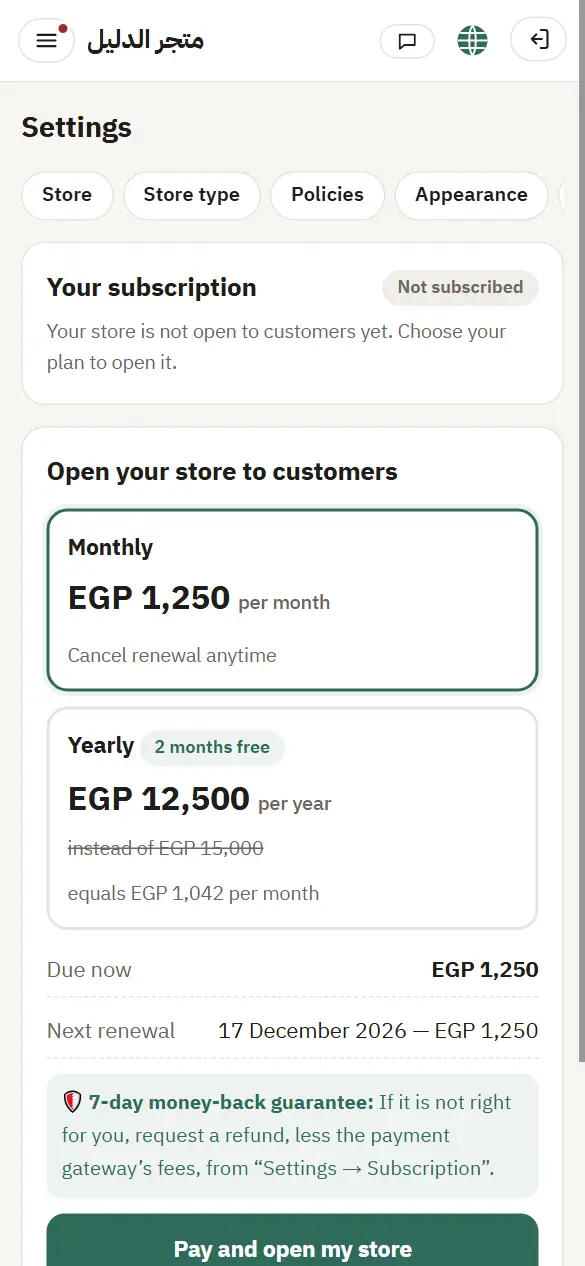
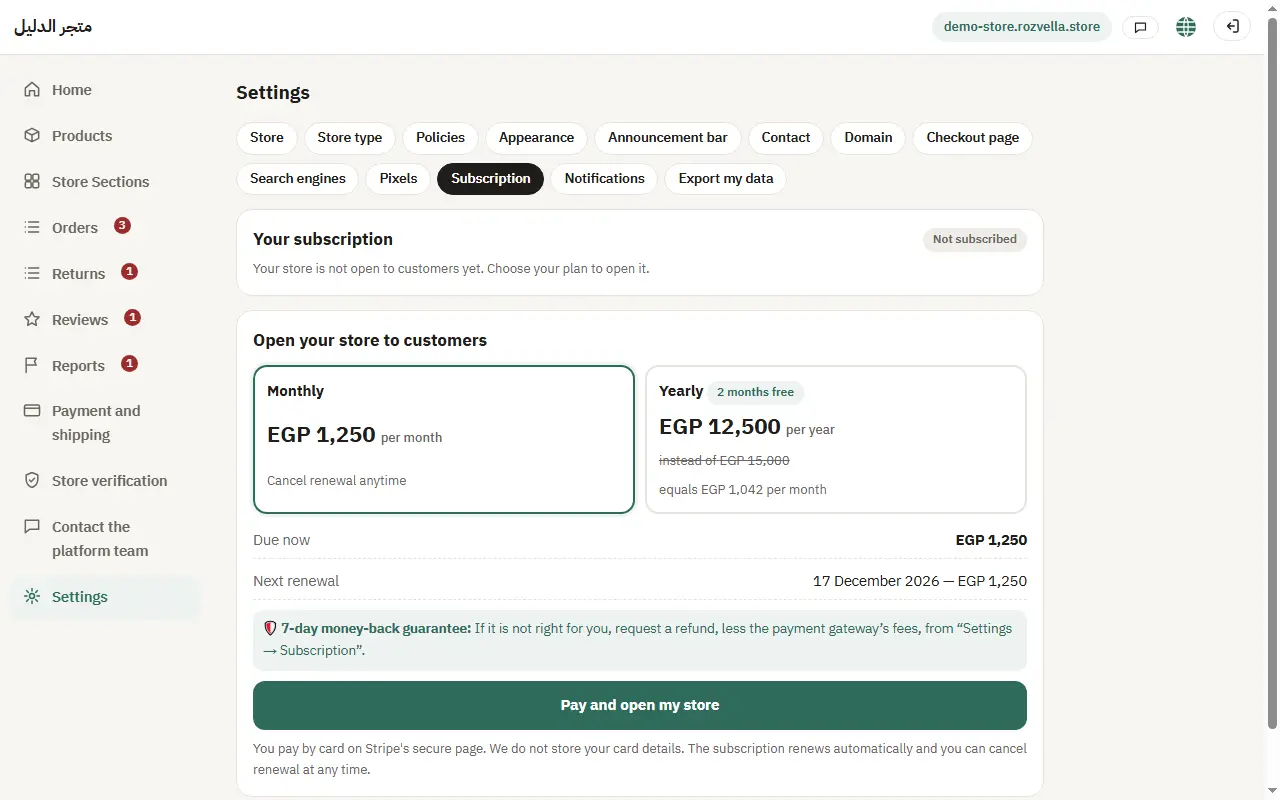
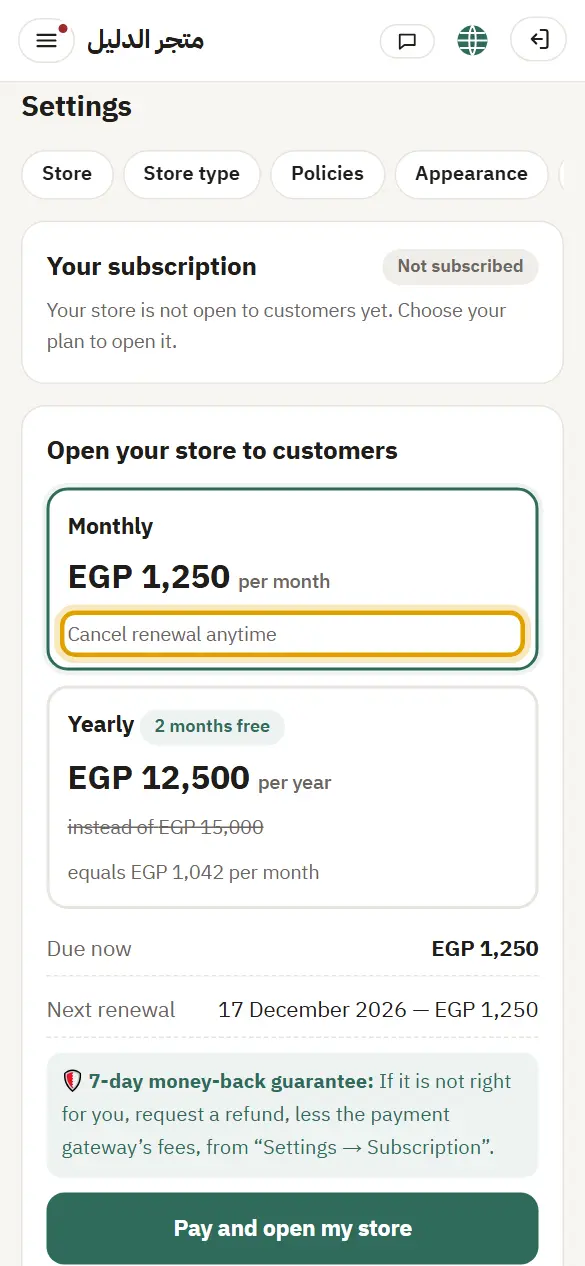
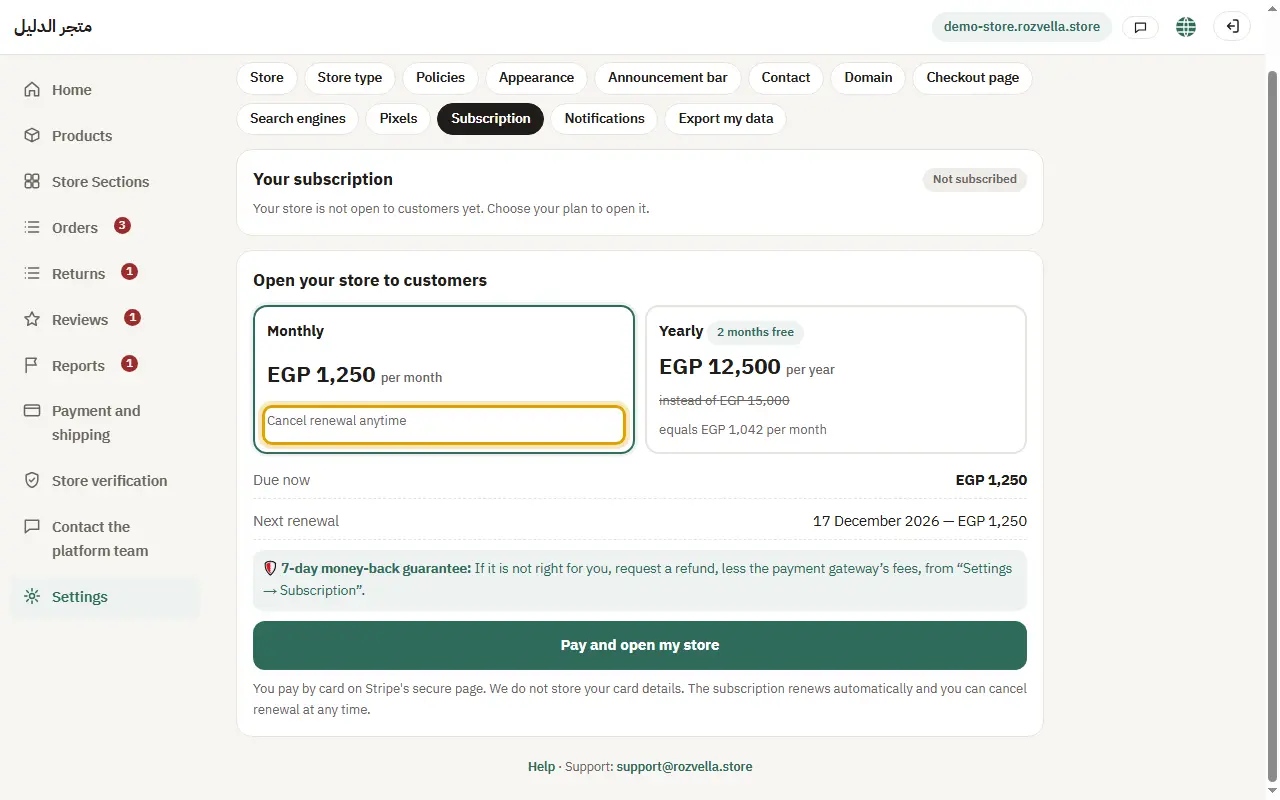
3Cancelling renewal
Where?Settings›Subscription›Cancel renewal
Press “Cancel renewal”, then “Yes, cancel renewal”.
4The money-back guarantee
Where?Settings›Subscription›Request a refund
Within 7 days of your first subscription, open “Request a refund”, enter your password and press “Yes, refund the amount and stop my store”.
The refund button doesn't appear
The guarantee is for your first subscription only, once per merchant, and within the period. If you used it before, the page says so.
5If renewal fails
Where?Settings›Subscription›Pay now
If your card is declined at renewal, a “We couldn't renew your subscription” bar appears on every page. Press “Pay now” or “Change payment method”.