Contact the platform team
“Contact admin” is a conversation between you and the platform team, and you can use it even if your store is suspended.
In this article (2)
1Send a message
Where?Contact the platform team›Send
Write your message, attach a photo if you like (one photo per message), then press “Send”.
Picture from a demo dashboard
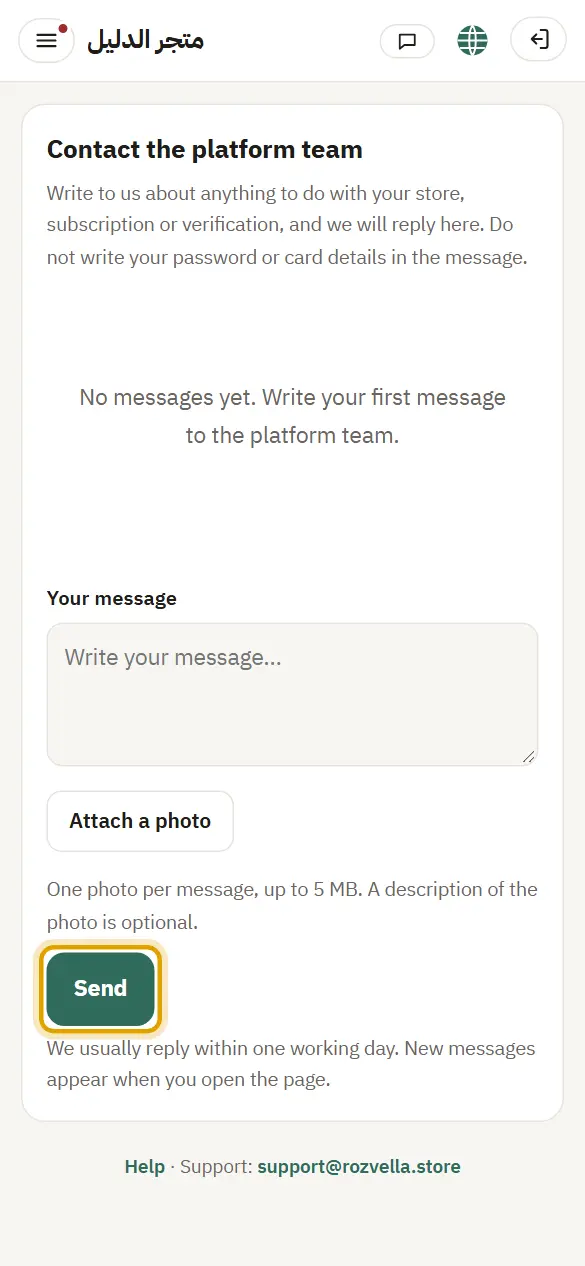
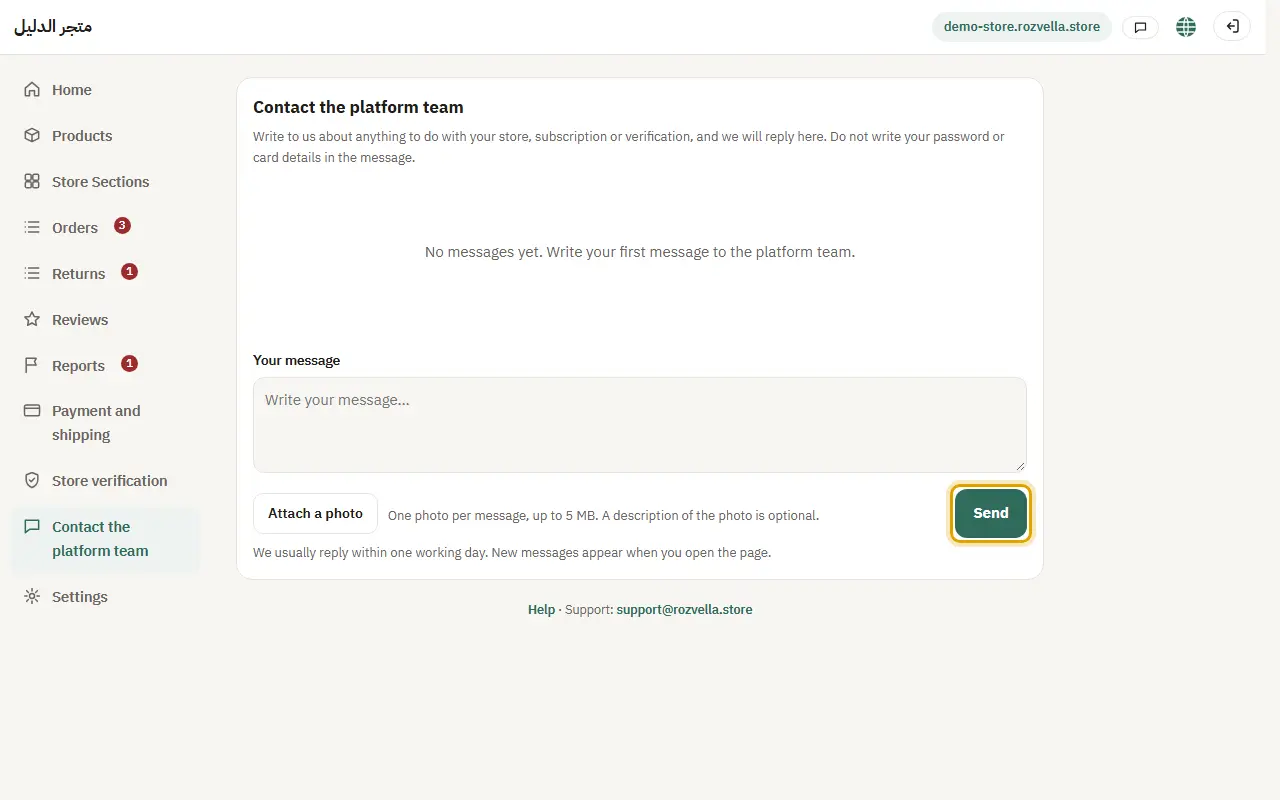
What happens?Your message appears in the conversation and reaches the team.
Common problems and fixesIt won't send because of too many messages
There is a limit on messages per hour. Wait a little, then send.
2The reply
Where?Contact the platform team
When a reply arrives, a “You have a reply from the platform team.” bar and a number on the icon at the top appear, and you get an email.
Picture from a demo dashboard
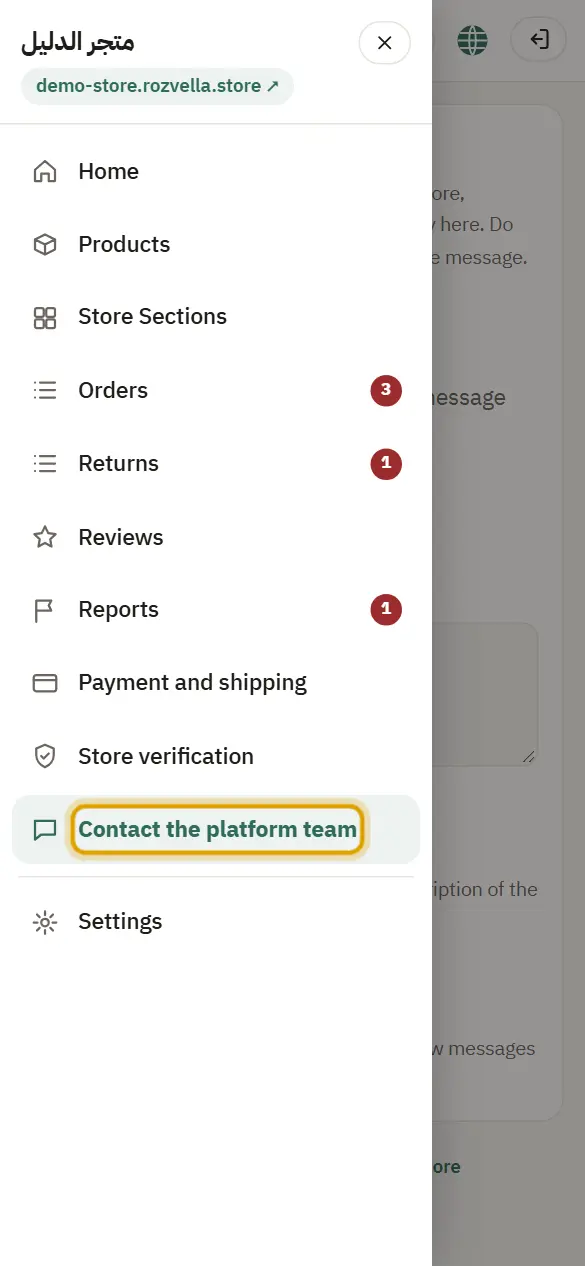
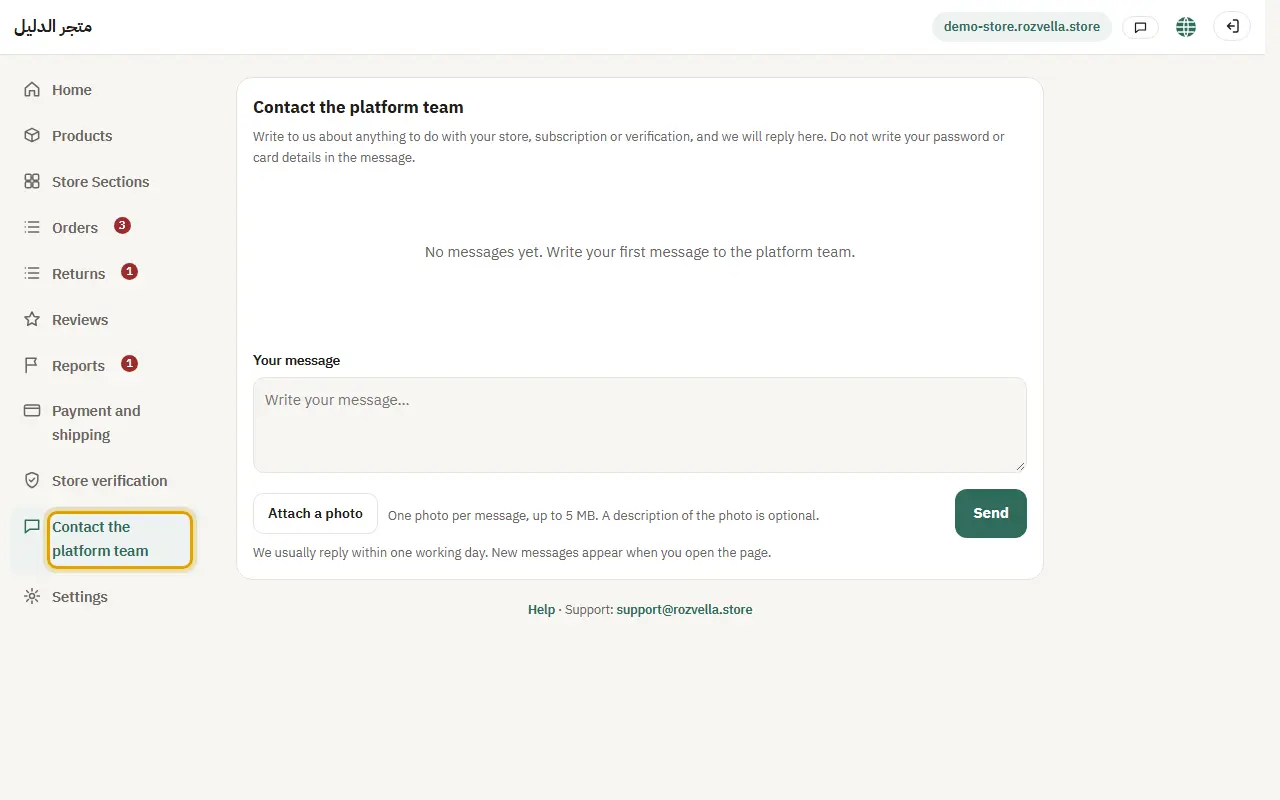
What happens?Open “Contact admin” to read the reply.