Your store policies and FAQ
Policies are required to open your store, and you don't need to write them from scratch.
In this article (4)
1Start with the 4 questions
Where?Settings›Policies›Start — 4 questions
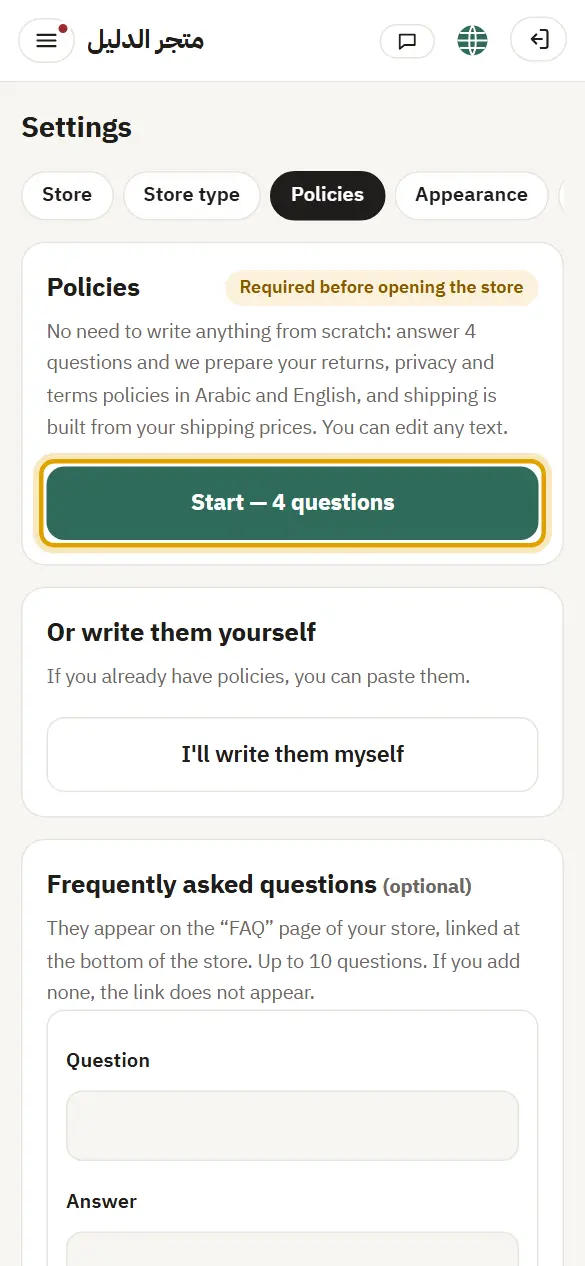
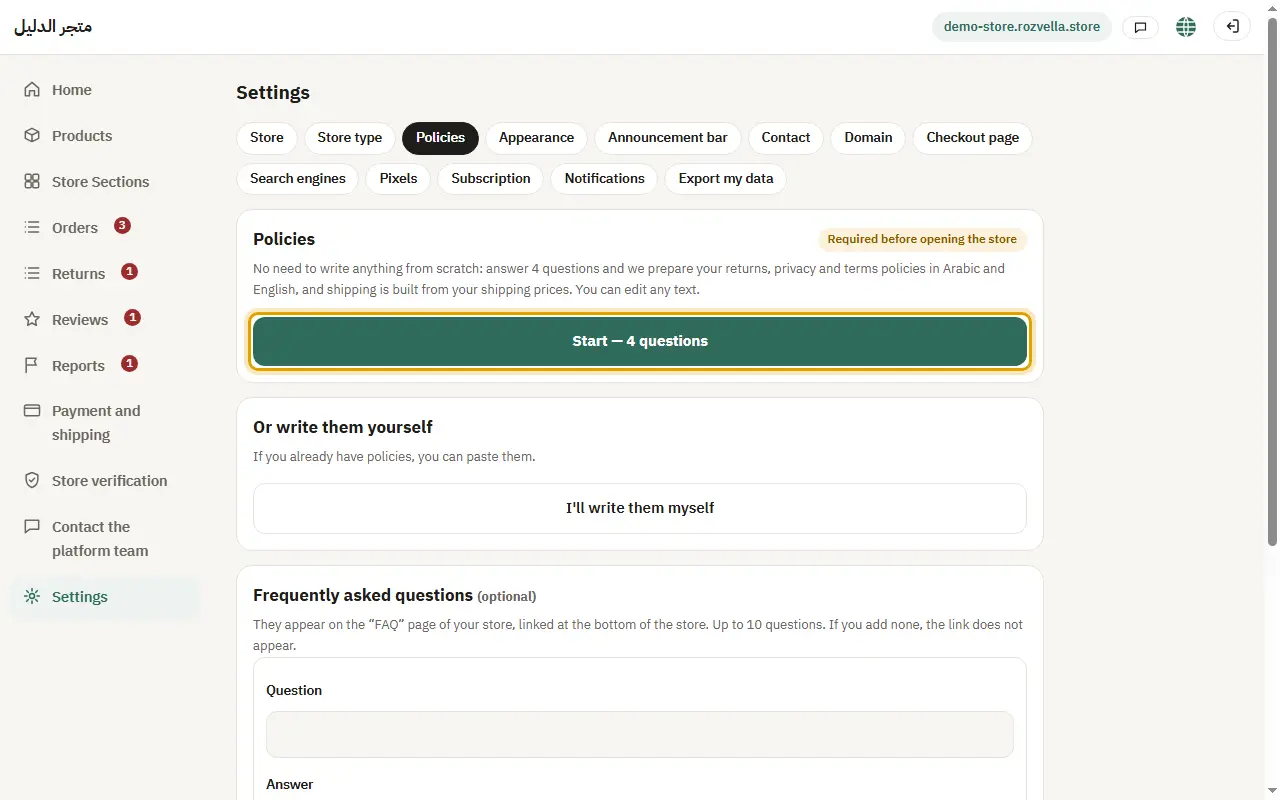
From “Settings ← Policies”, press “Start — 4 questions”.
2Answer and create the policies
Where?Settings›Policies›Generate the policies
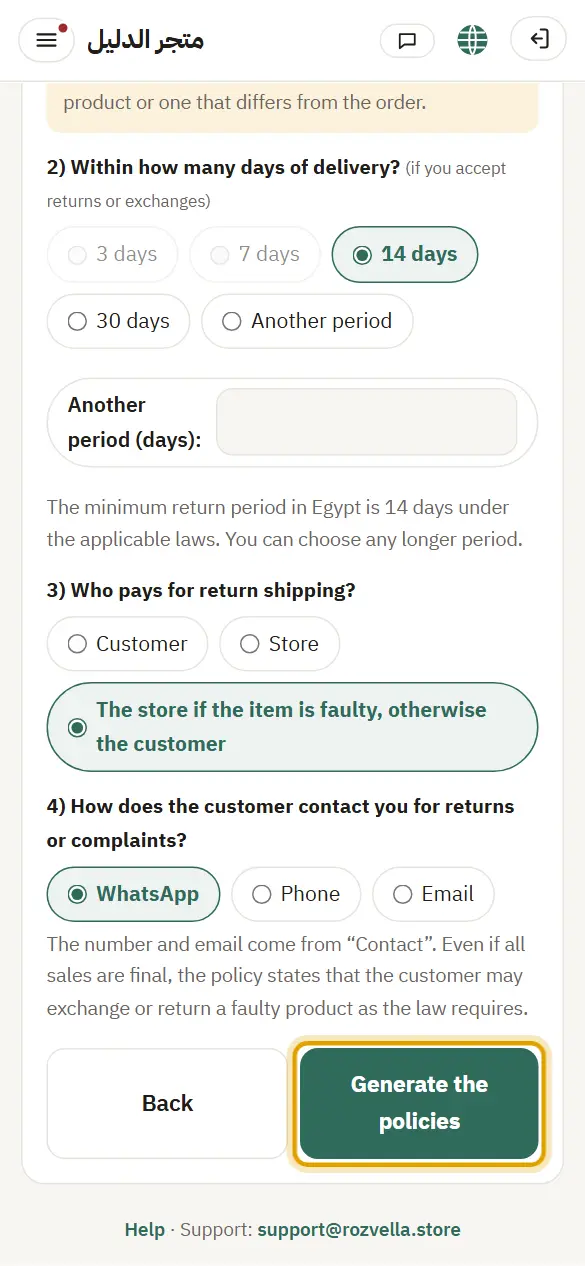
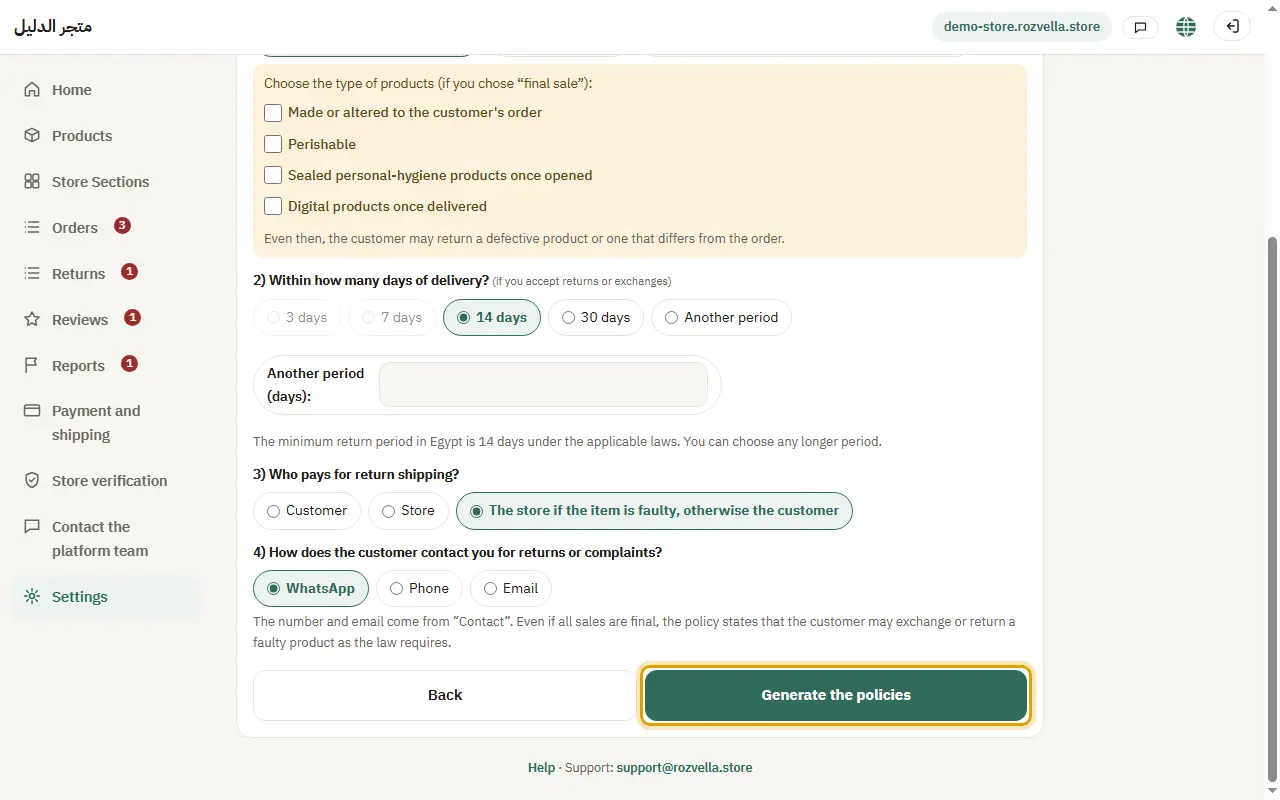
Choose your answers, then press “Create the policies”. If your store's country has a minimum return period, shorter periods are unavailable.
The return period I want isn't available
Your store's country has a legal minimum. Choose a longer period, or “Another period” and enter any larger number.
3Review the texts and approve
Where?Settings›Policies›Save policies
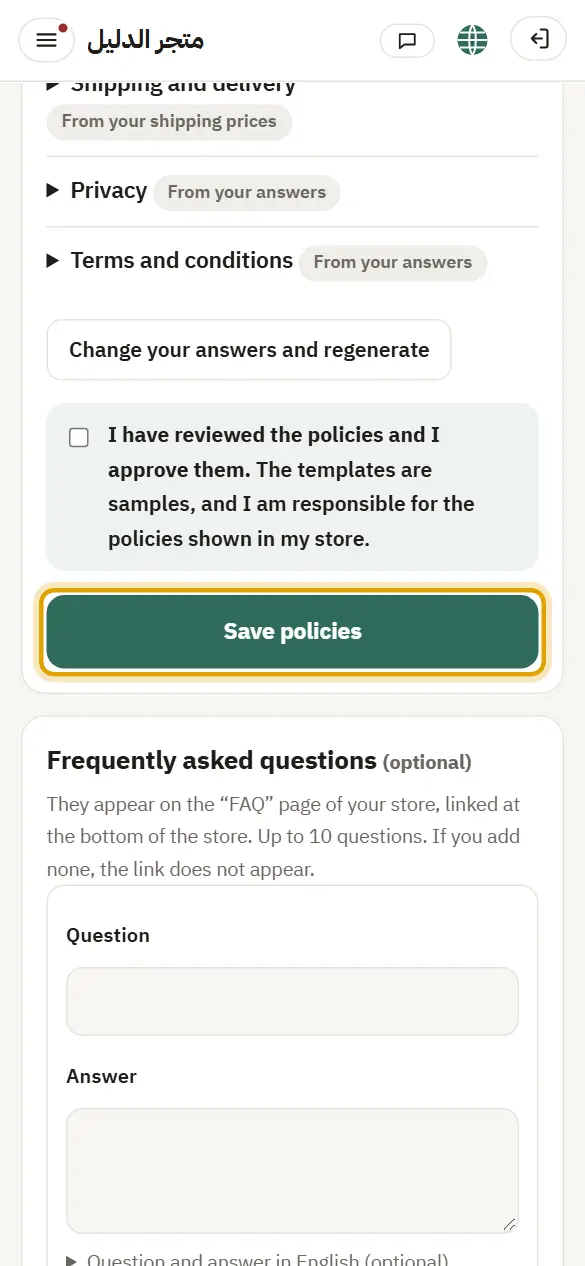
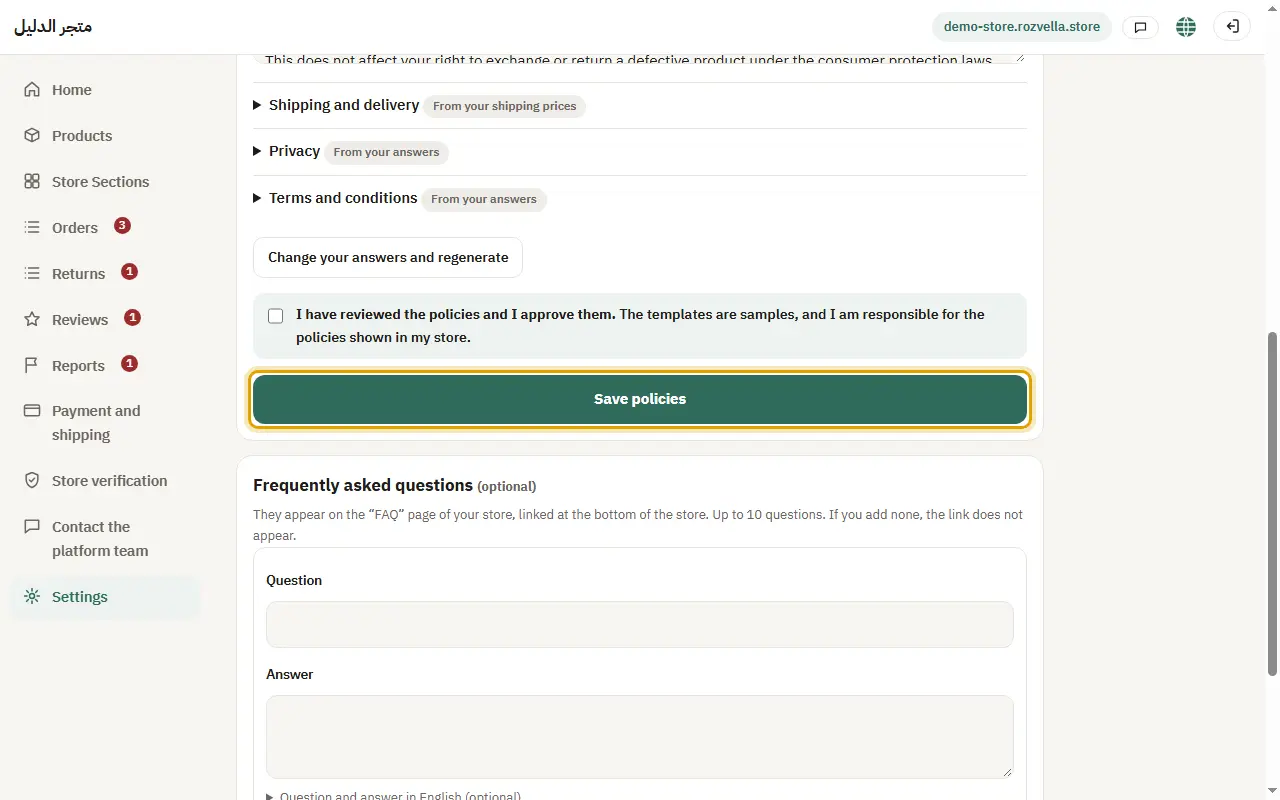
Open each policy and edit what you like, then tick “I have reviewed the policies and agree to them.” and press “Save policies”.
“You have not approved the policies yet”
The store can't open without your approval. Tick the approval box, then save.
4FAQ (optional)
Where?Settings›Policies›+ Add a question
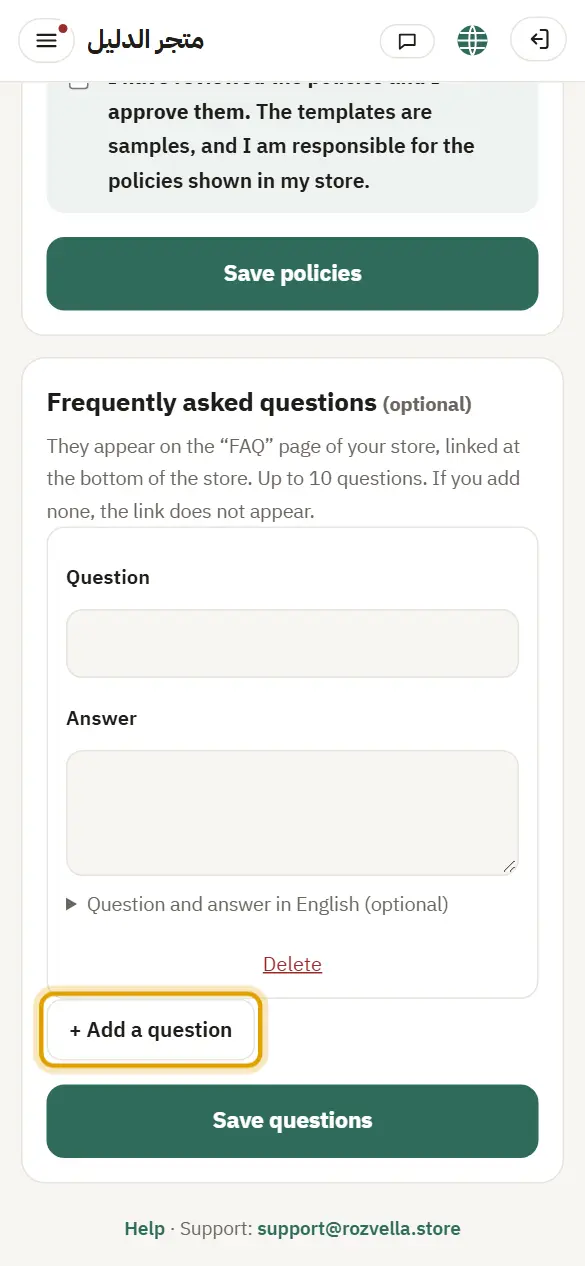
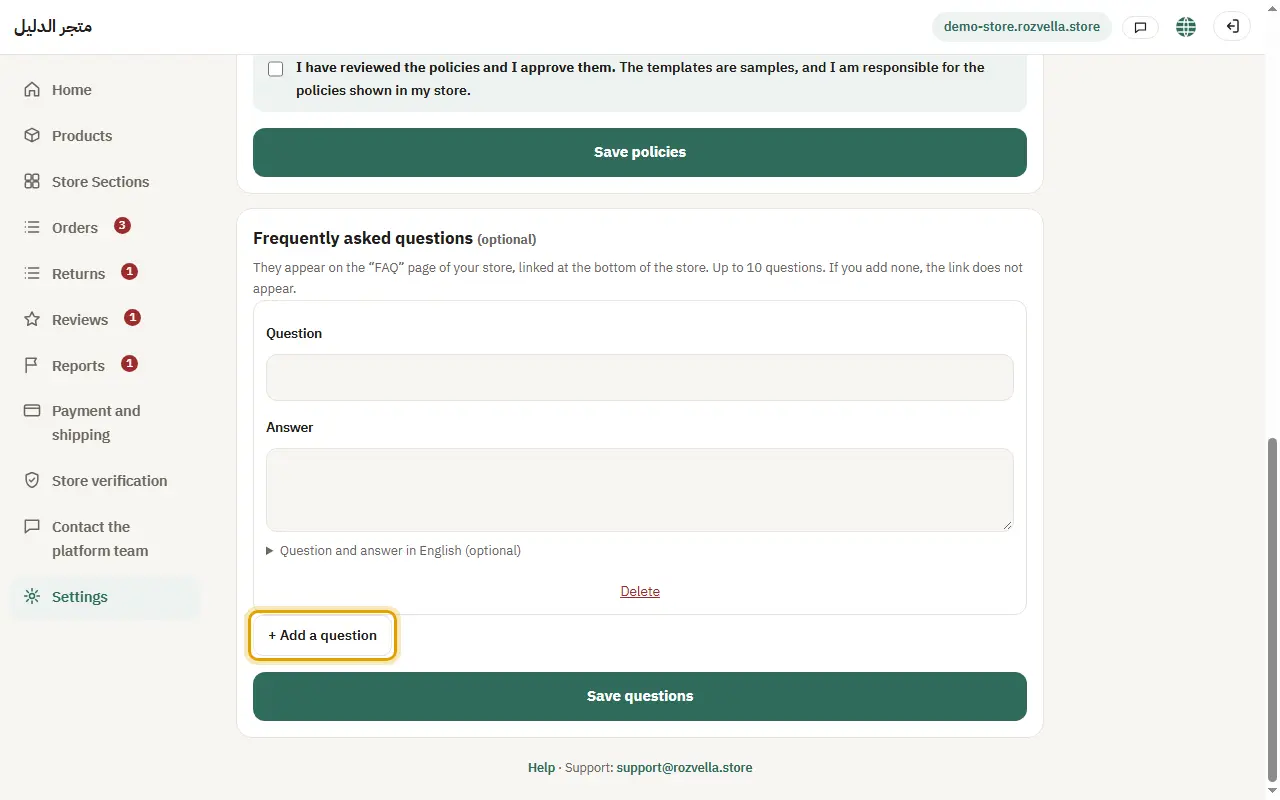
Below the policies press “+ Add a question”, write the question and answer (English is optional), then “Save questions”.
Your returns answer decides the customer's “Return or exchange” button, its period, and who pays return shipping.